Free utilities
Passport photo tools
Measure size, file KB, background, or mm→px — same requirements catalog as Create and Verify.
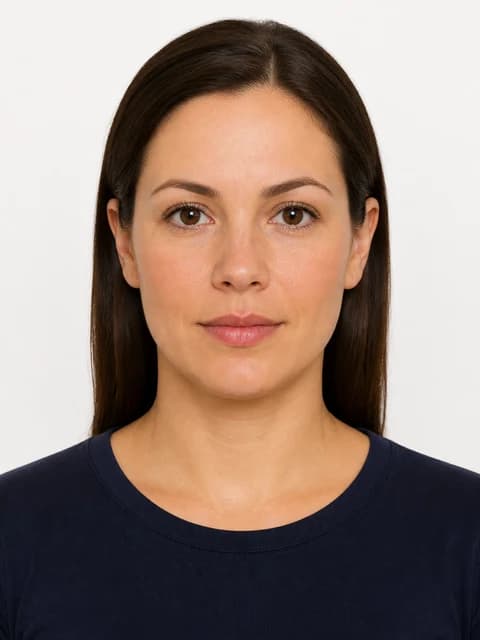
Score head size, background, and file limits
Check if your passport photo meets official requirements
Upload a portrait and run PicsForm's passport photo checker. Scores head size, background, expression, and file limits against your document's published rules.
Open tool
Upload a photo to measure pixels & compare specs
Passport photo size calculator
Look up passport and visa photo dimensions in millimetres, inches, and pixels at 300 DPI. Find the right spec by country and document.
Open tool
Convert mm print sizes to pixel dimensions
DPI calculator for passport and visa photos
Calculate pixel dimensions from millimetre print sizes at 300 or 600 DPI. Ensure your passport photo meets print and digital upload resolution requirements.
Open tool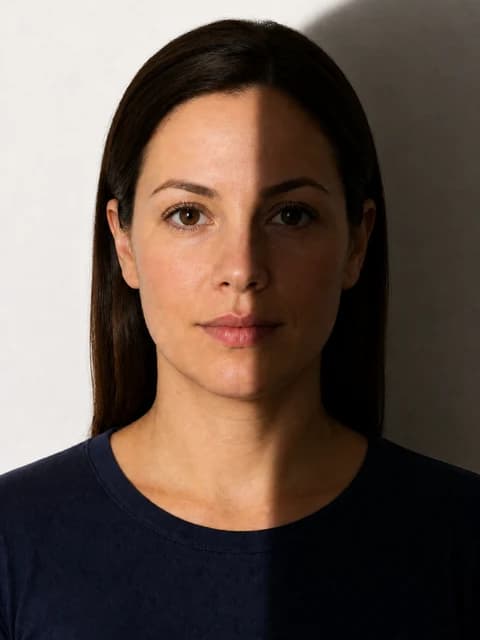
Estimate background colour and uniformity
Check passport photo background colour & uniformity
Verify your portrait background meets passport and visa rules — white, light grey, or cream — with no shadows, patterns, or objects.
Open tool
Check KB against portal upload limits
Compress passport photo file size for online upload
Reduce JPEG file size to meet DS-160, UKVI, and other portal KB limits without breaking compliance dimensions.
Open tool
Side-by-side spec comparison report
Compare your photo against official requirements
See how your portrait stacks up against published passport and visa requirements — dimensions, head height, background, and appearance rules.
Open tool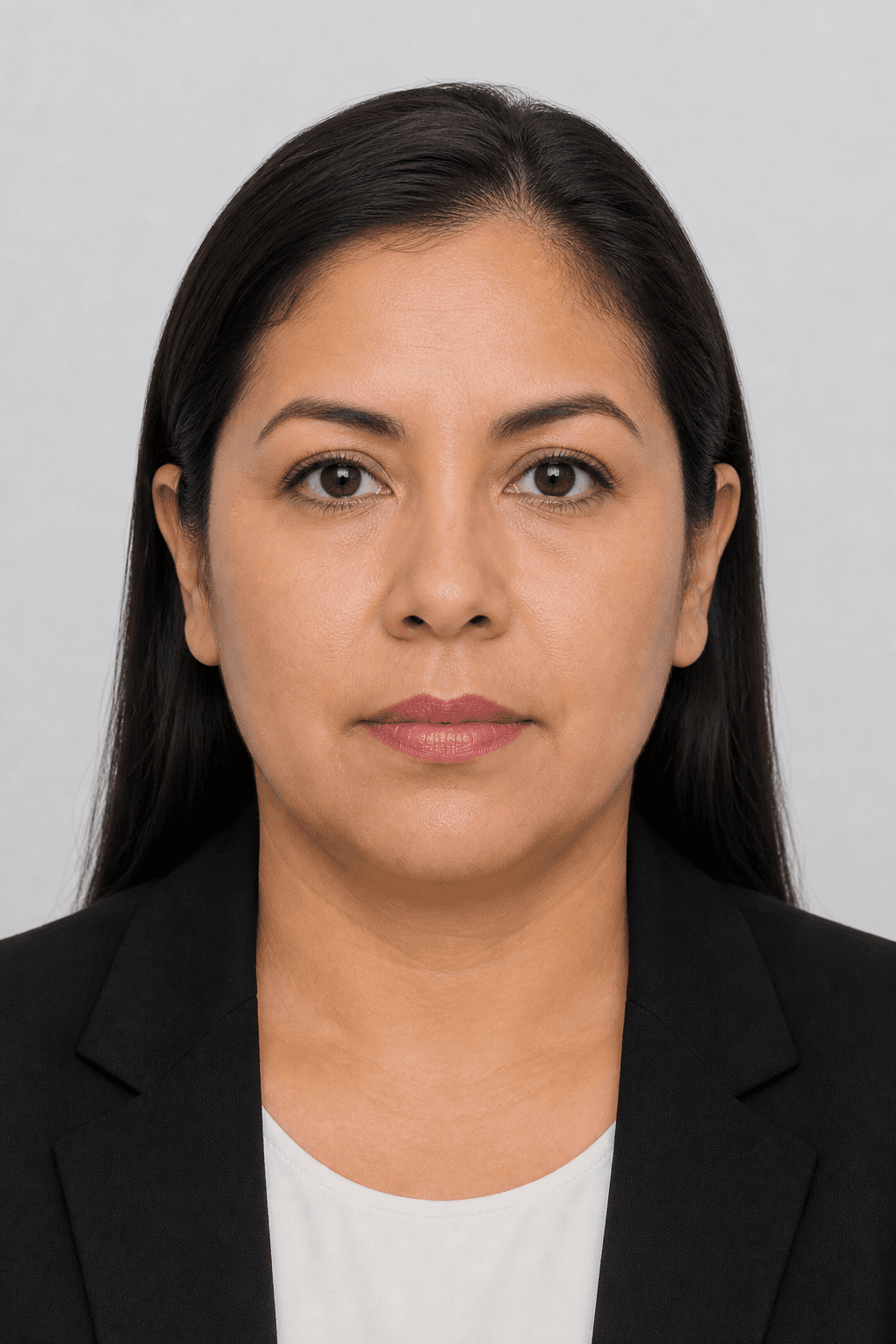
4×6, A4 & Letter sheets for pharmacy labs
Print passport photos at a pharmacy or local lab
How to print PicsForm Print Ready sheets on 4×6, A4, and Letter paper at pharmacy photo labs and local minilabs.
Open tool