Background tool
Check passport photo background colour & uniformity
Background rejection is one of the fastest ways to fail an online upload.
Read more
Background rejection is one of the fastest ways to fail an online upload. Authorities require a plain, uniform colour — white for US and India, light grey or cream for UK and much of Europe. Use /verify to score your current background; use /create (paid export) to replace it to the required colour.
Try it now
Runs in your browser. Open Create or Verify when you are ready to export.
Upload to check background colour
JPEG or PNG · processed in your browser only
Background rules by region
- US / India / UAE — plain white (#FFFFFF)
- UK passport — cream or light grey (#F0F0F0)
- Schengen / Germany / France — light grey tones
- Canada passport — white; visa — white or light
Common background failures
- Visible wall texture or wallpaper
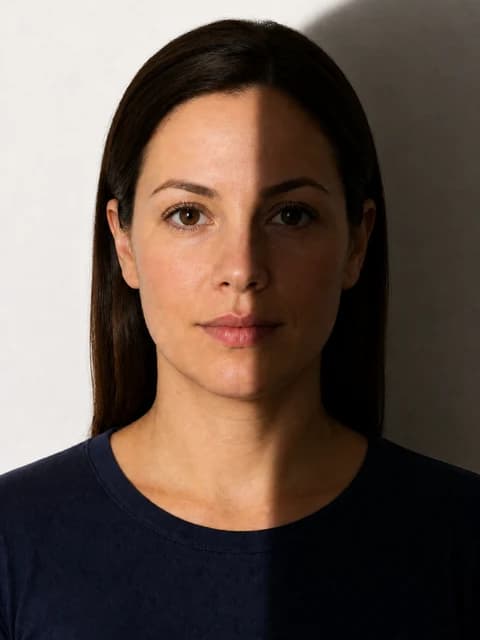
- Shadow halo around hair and shoulders
- Gradient from window light
- Furniture or door frames in frame
- Using pure white when cream/grey is required
How PicsForm fixes backgrounds
After a free /verify check, open /create with your document selected.
More details
After a free /verify check, open /create with your document selected. The creator segments the subject and fills the backdrop to the required colour (paid export). Re-run /verify on the exported file to confirm uniformity.
FAQ
Can I use a bedsheet?
Yes if it is evenly lit, wrinkle-free, and matches the required colour. Avoid strong colour casts from mixed lighting.
How PicsForm fits your workflow
PicsForm matches photos to published requirements. This is not legal or immigration advice and does not guarantee application approval. Always confirm current rules on the official portal.