Free tool
Check if your passport photo meets official requirements
Before you submit to a government portal, run the same categories reviewers flag: crop geometry, background uniformity, expression, eyewear, and file size.
Read more
Before you submit to a government portal, run the same categories reviewers flag: crop geometry, background uniformity, expression, eyewear, and file size. The checker maps your image to the exact document you select.
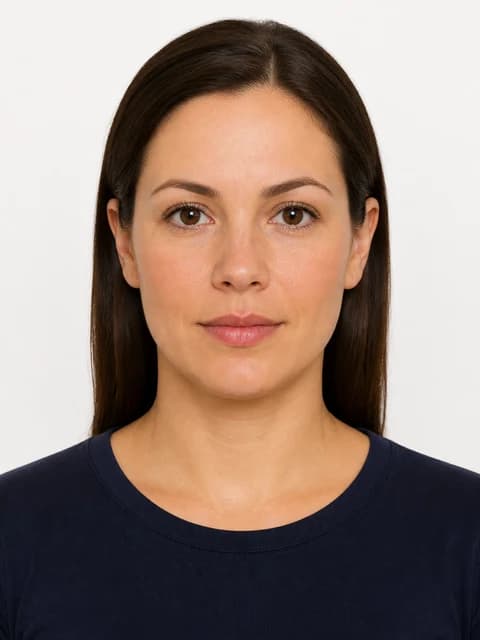
Try it now
Runs in your browser. Open Create or Verify when you are ready to export.
Upload a portrait for a quick pre-check
JPEG or PNG · processed in your browser only
What the checker evaluates
- Head height as a percentage of frame height
- Eye line position from the bottom edge
- Background colour and shadow detection
- Expression and mouth position
- Glasses, glare, and head covering policy
More details
Output dimensions and file-size limits
How to use it
Open /verify, choose your country and document (for example US Passport or Schengen Visa), upload a JPEG or PNG, and review the scored report.
More details
Open /verify, choose your country and document (for example US Passport or Schengen Visa), upload a JPEG or PNG, and review the scored report. Hard failures explain what to fix; soft warnings note borderline issues.
Checker vs creator
Use the checker when you already have a photo from a studio, app, or phone.
More details
Use the checker when you already have a photo from a studio, app, or phone. Use /create when you need background replacement, re-framing, and a clean export in one flow.
Supported documents
Every document in the PicsForm requirements catalog is available in the checker — US 2×2, UK 35×45, Canada 50×70, Indian e-Visa square, UAE ICAO,…
More details
Every document in the PicsForm requirements catalog is available in the checker — US 2×2, UK 35×45, Canada 50×70, Indian e-Visa square, UAE ICAO, and more.
FAQ
Is the passport photo checker free?
Compliance preview and scoring are available without purchasing a download. Paid plans unlock corrected exports and print sheets.
Does a pass guarantee acceptance?
No tool can guarantee government approval. The checker matches published requirements as of our last verification date — always confirm the latest official guidance.
How PicsForm fits your workflow
PicsForm matches photos to published requirements. This is not legal or immigration advice and does not guarantee application approval. Always confirm current rules on the official portal.