At home
How to take a passport photo at home
You do not need a studio.
Read more
You do not need a studio. A rear-camera phone portrait against a plain wall, shot in daylight with a neutral expression, is enough to start. The hard part is crop geometry — head height and eye line — which PicsForm applies automatically for your document.
Example compliant crops
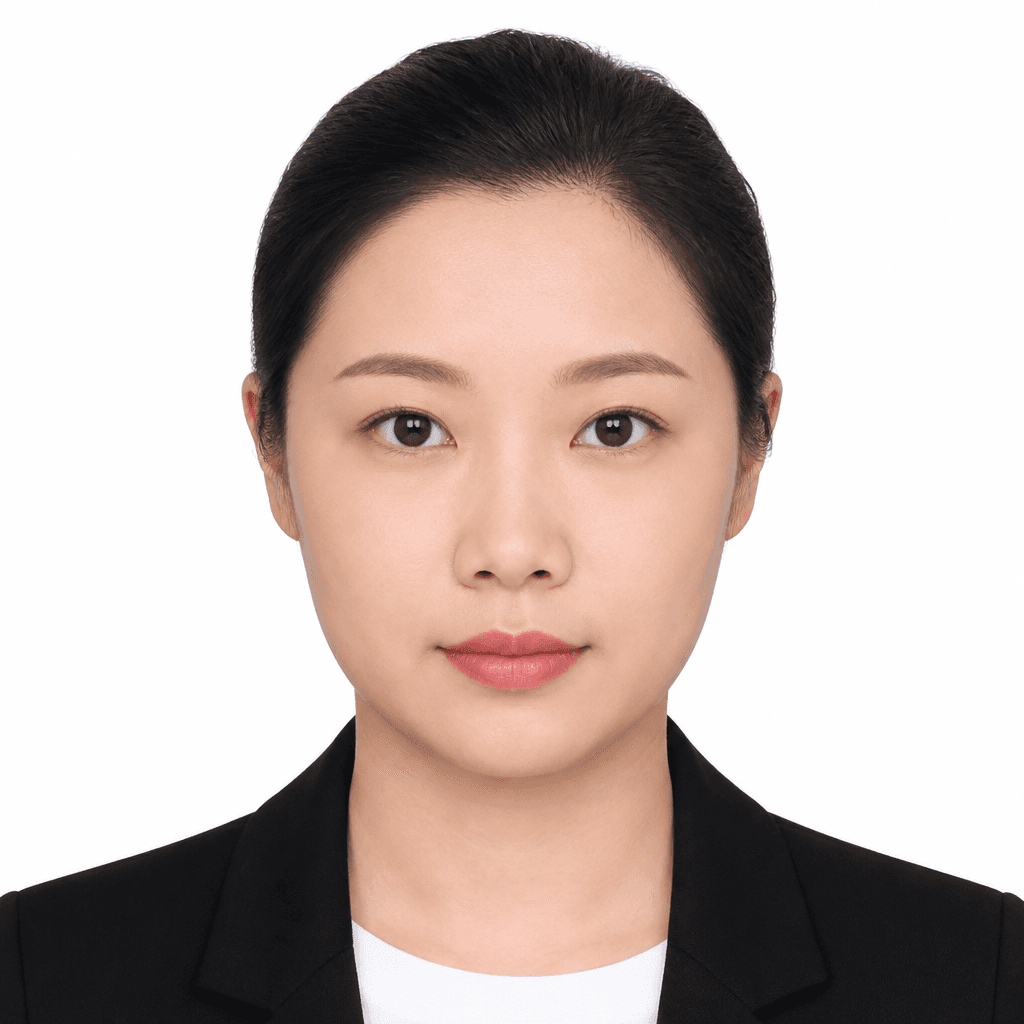
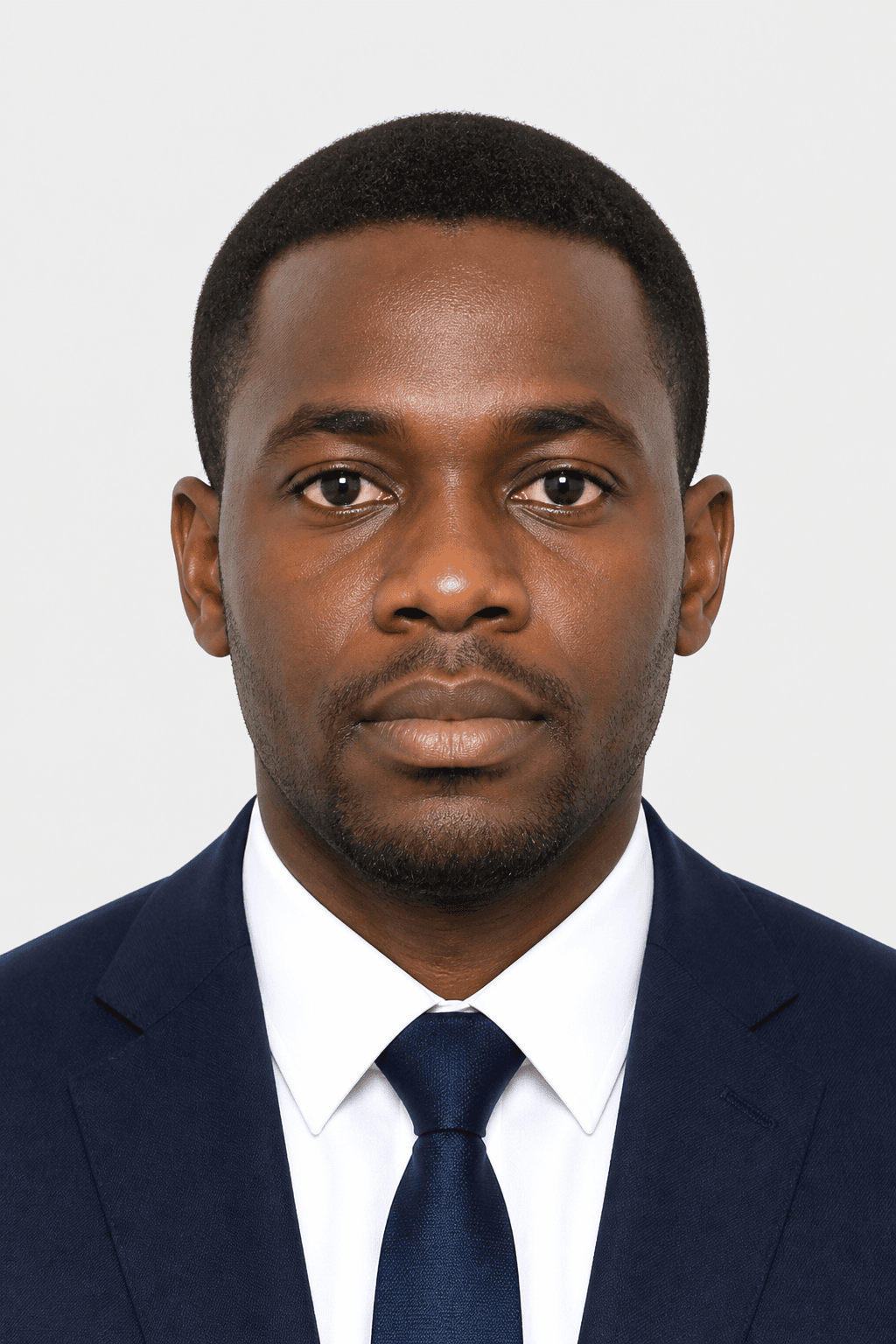

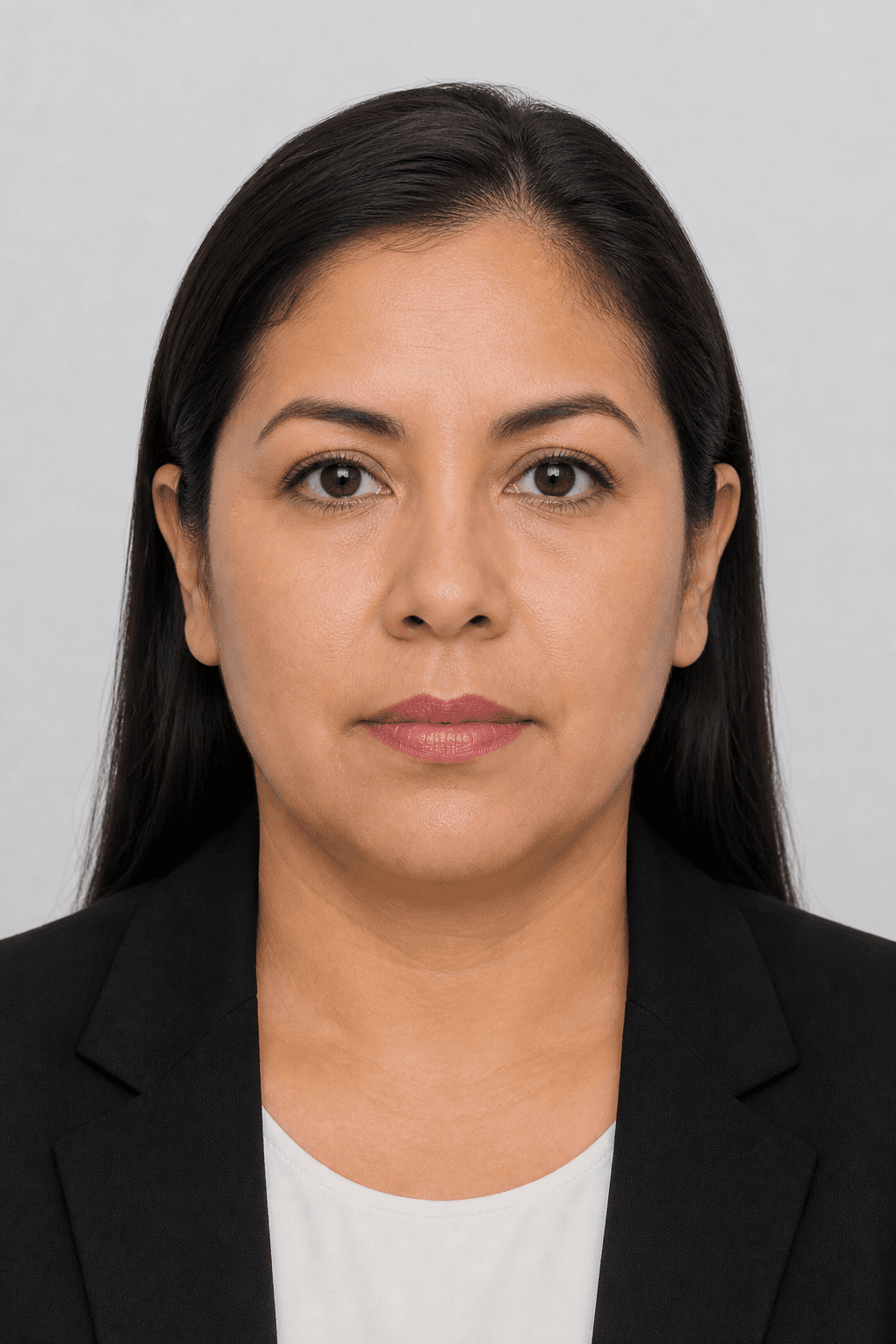
Illustrative samples — not real applicants.
Setup in five minutes
- Stand 1–2 metres from a plain wall (white or light coloured)
- Use daylight from a window in front of you, not behind
- Hold the phone at eye level — ask someone else to shoot if possible
- Leave space above your head and below your chin for cropping
- Neutral face, both eyes open, no hat or glasses (unless medically required)
Lighting mistakes to avoid
Overhead ceiling lights cast shadows under eyes and nose.
More details
Overhead ceiling lights cast shadows under eyes and nose. A window at face height gives softer, even light. Turn off mixed colour temperatures (warm lamp + cool daylight) that tint skin unnaturally.
From raw photo to submission file
Upload to PicsForm, choose your passport or visa document, and run compliance.
More details
Upload to PicsForm, choose your passport or visa document, and run compliance. Fix any hard failures — background, head band, eye line — then download the sized JPEG. For US documents that is 600×600 px on white; for UK/Schengen it is 413×531 px on light grey.
Official specifications
| Document | US Passport |
|---|---|
| Country | United States |
| Dimensions (mm) | 51 × 51 |
| Pixels @ DPI | 600 × 600 @ 300 |
| Head height | 50–69% |
| Eye line from bottom | 56–69% |
| Background | white |
| Official source | View official guidance |
| Last verified | 2026-08-18 |
Common rejection reasons & fixes
Hard fail: Wide-angle selfie — nose enlarged, ears small
Re-shoot from 1.5 m with rear camera at eye level
Hard fail: Head cropped too tight — no room for chin-to-crown band
Step back; leave ~20% empty space above hair and below chin
Official sources
Frequently asked questions
Can I use a selfie for a passport photo?
Arm’s-length selfies distort perspective and misplace the eye line. A friend shooting from 1–2 m with the rear camera works much better.
What background do I need at home?
Any plain wall works for capture. PicsForm replaces the backdrop to white or light grey per your document.
Do I need a tripod?
Helpful but not required. Stability reduces blur; a stack of books at eye height can hold the phone.
Is a home photo accepted for US passport renewal online?
Yes — the State Department accepts digital uploads that meet 2×2 inch specs. Always confirm current rules on travel.state.gov.
PicsForm matches published requirements; always confirm current rules on the official portal.