Background
Passport photo background requirements
Background colour is one of the fastest rejection reasons.
Read more
Background colour is one of the fastest rejection reasons. US passport and visa photos require plain white; UK and Schengen often require light grey or off-white. Shadows, patterns, and coloured walls fail even when the face looks fine.
Example compliant crops



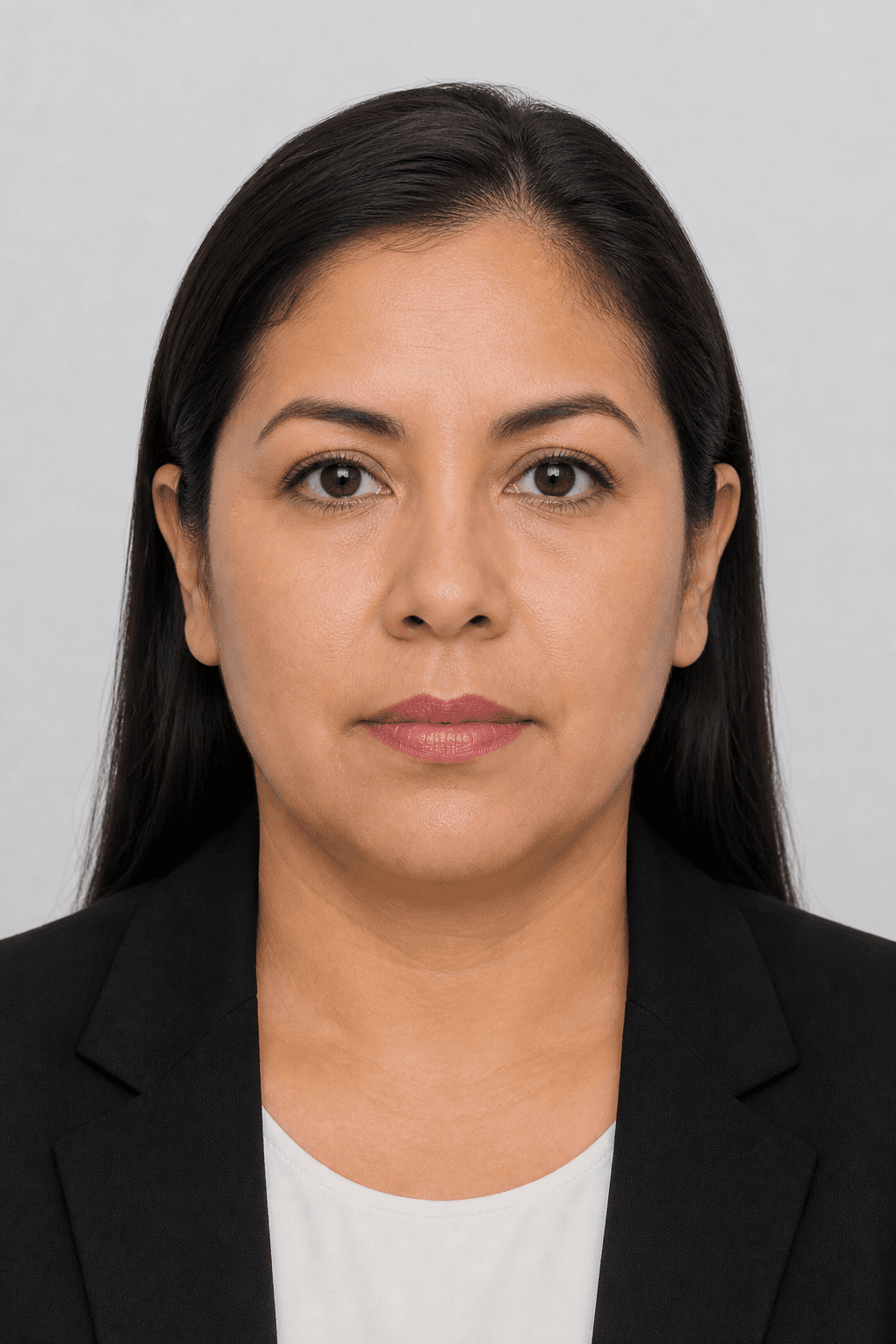
Illustrative samples — not real applicants.
Background by document type
- US passport / DS-160 / ESTA — plain white (#FFFFFF)
- UK passport & visa — light grey or cream, not pure white
- Schengen visa — light grey background
- Indian passport — white background
- German biometric passport — light grey (#E4E4E4 range)
Common background failures
Gradients from window light, visible door frames, textured wallpaper, and hair blending into a dark wall all trigger soft or hard failures.
More details
Gradients from window light, visible door frames, textured wallpaper, and hair blending into a dark wall all trigger soft or hard failures. Even a ‘white’ wall photographed in shade can look grey-blue — PicsForm normalises to the required hex where the document specifies one.
Can you fix the background at home?
Yes.
More details
Yes. Upload a clear portrait taken against any plain wall with even lighting. PicsForm detects the subject and replaces the backdrop to white or light grey per your selected document — without retouching facial features.
Official specifications
| Document | US Passport |
|---|---|
| Country | United States |
| Dimensions (mm) | 51 × 51 |
| Pixels @ DPI | 600 × 600 @ 300 |
| Head height | 50–69% |
| Eye line from bottom | 56–69% |
| Background | white |
| Official source | View official guidance |
| Last verified | 2026-08-18 |
Common rejection reasons & fixes
Shadow cast on wall behind head
Face a window or add front fill light; re-shoot or let PicsForm replace to flat white
Hard fail: UK photo submitted with pure white studio background
Use light grey (#F0F0F0) as required for UK passport
Hard fail: Patterned wallpaper or bookshelf visible
Crop tighter or replace background; ensure no objects behind shoulders
Official sources
Frequently asked questions
Is a white wall enough for a US passport photo?
A truly plain, evenly lit white wall works. Avoid shadows behind your head and ensure no objects appear in frame. PicsForm can also replace the background if the wall is off-white.
Can I use a blue or red background?
No for US, UK, Schengen, and most ICAO-style documents. Always use the plain colour your authority publishes.
Does the UK accept a white background?
HMPO prefers cream or light grey — a stark white studio backdrop can fail UK checks. Select UK passport in PicsForm for the correct tone.
Will background removal change my face?
No. Face Integrity means we do not beauty-filter or reshape facial features. Background and crop run only when the selected document ruleset allows them.
PicsForm matches published requirements; always confirm current rules on the official portal.