Rejections
Why passport photos get rejected — and how to fix yours
A rejection is expensive in time, not just money.
Read more
A rejection is expensive in time, not just money. Most failures are predictable: wrong aspect ratio, head too small or too large, tinted background, glare on glasses, or a smile when neutral expression is required. Fix the specific issue, then re-run compliance before uploading again.
Example compliant crops
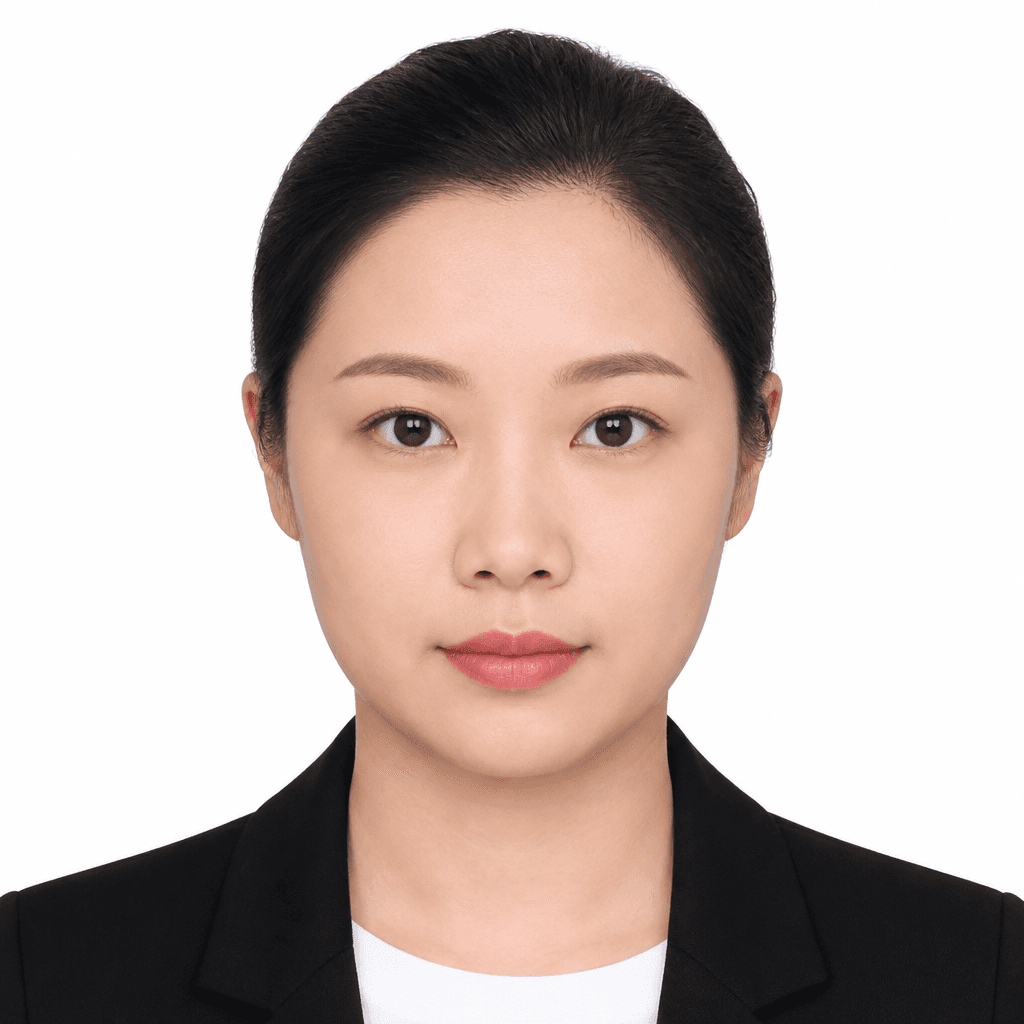
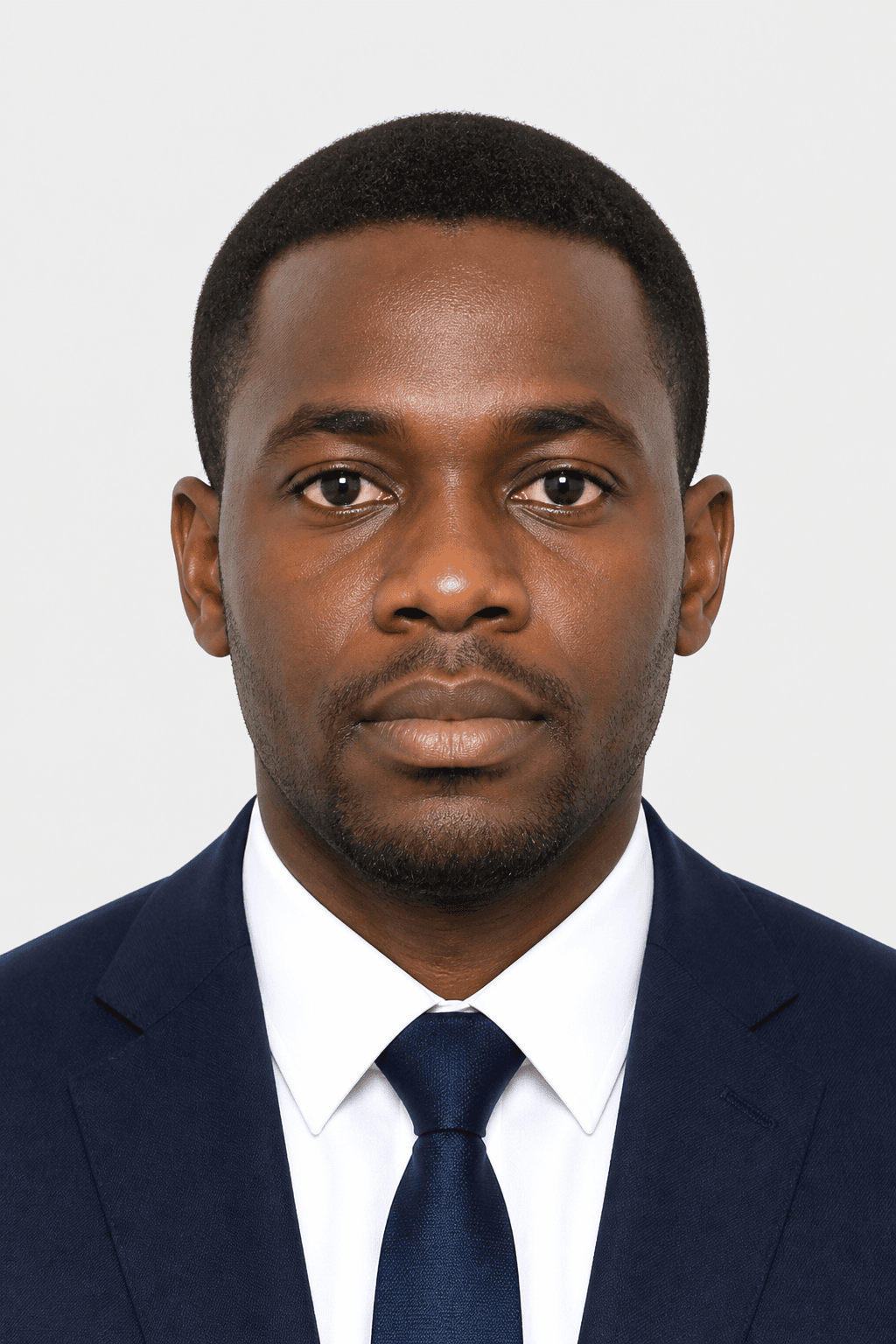

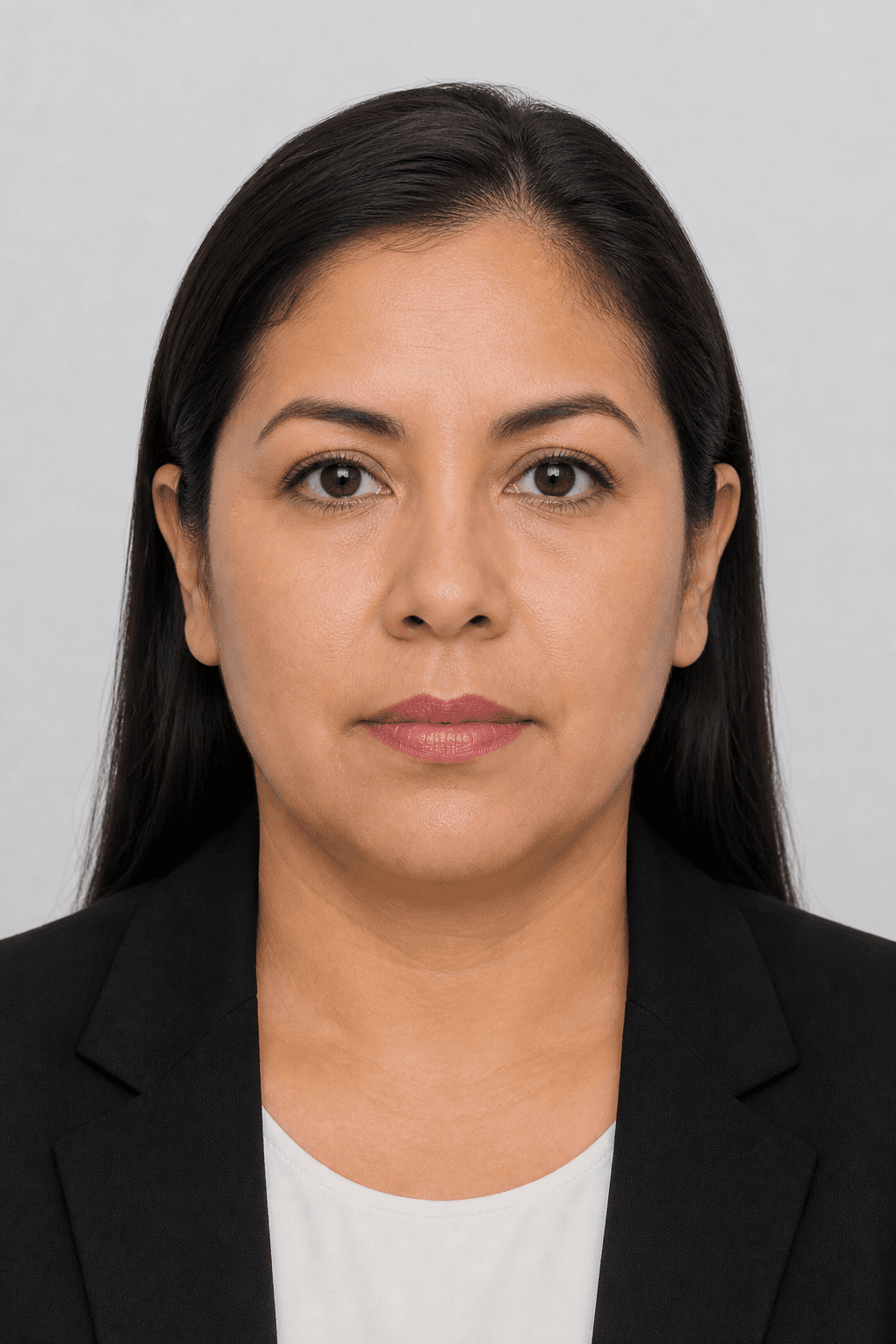
Illustrative samples — not real applicants.
Top rejection reasons
- Wrong dimensions — square vs 35×45 mm, or incorrect pixel count
- Head height outside the required band (too much forehead or cropped chin)
- Background not plain white or light grey; visible shadows or objects
- Glasses glare or tinted lenses (glasses banned in US and most visas)
- Smile, open mouth, or head tilt
More details
File too large or wrong aspect ratio for the portal
Hard vs soft failures
Hard failures will block submission — wrong size, prohibited glasses, or extreme head crop.
More details
Hard failures will block submission — wrong size, prohibited glasses, or extreme head crop. Soft failures like slight shadow or minor eye-line drift may pass some portals but fail others. PicsForm flags both so you can decide before paying embassy fees.
Fix and resubmit workflow
Read the rejection message carefully — it often cites size or background.
More details
Read the rejection message carefully — it often cites size or background. Upload the original portrait (not a previously cropped JPEG) to PicsForm, select the exact document, fix flagged issues, and download a fresh export. Do not upscale a rejected thumbnail.
Common rejection reasons & fixes
Hard fail: Used 35×45 mm crop for US passport application
Re-export as 51×51 mm (600×600 px) square with US passport document selected
Hard fail: Head occupies only 40% of frame height
Move closer or crop tighter so chin-to-crown is within 50–69% for US
Hard fail: Visible smile showing teeth
Re-shoot with lips closed and neutral expression
Hard fail: JPEG file 420 KB — over US 240 KB limit
Re-export at compliant dimensions with optimised compression under 240 KB
Mild shadow on left cheek from window light
Add fill light or replace background; ensure even illumination
Official sources
Frequently asked questions
My US passport photo was rejected for size — what went wrong?
US photos must be exactly 2×2 inches (51×51 mm), square, with head height 50–69% of the frame. A 35×45 mm European crop will always fail.
Can I edit a rejected photo in Photoshop?
Manual edits often break eye-line geometry or leave compression artifacts. Re-process from the original with document-aware cropping instead.
How long until I can resubmit?
Most portals let you upload a new photo immediately. Confirm on your authority’s site — PicsForm does not control processing times.
Will PicsForm guarantee acceptance?
We match published requirements and block known hard failures. Final acceptance remains with the issuing authority.
PicsForm matches published requirements; always confirm current rules on the official portal.