Phone capture
Passport photo from your phone
You can start with a phone photo — but the raw selfie is rarely submission-ready.
Read more
You can start with a phone photo — but the raw selfie is rarely submission-ready. Capture well, then let PicsForm enforce size, background, and framing for your document.
Example compliant crops



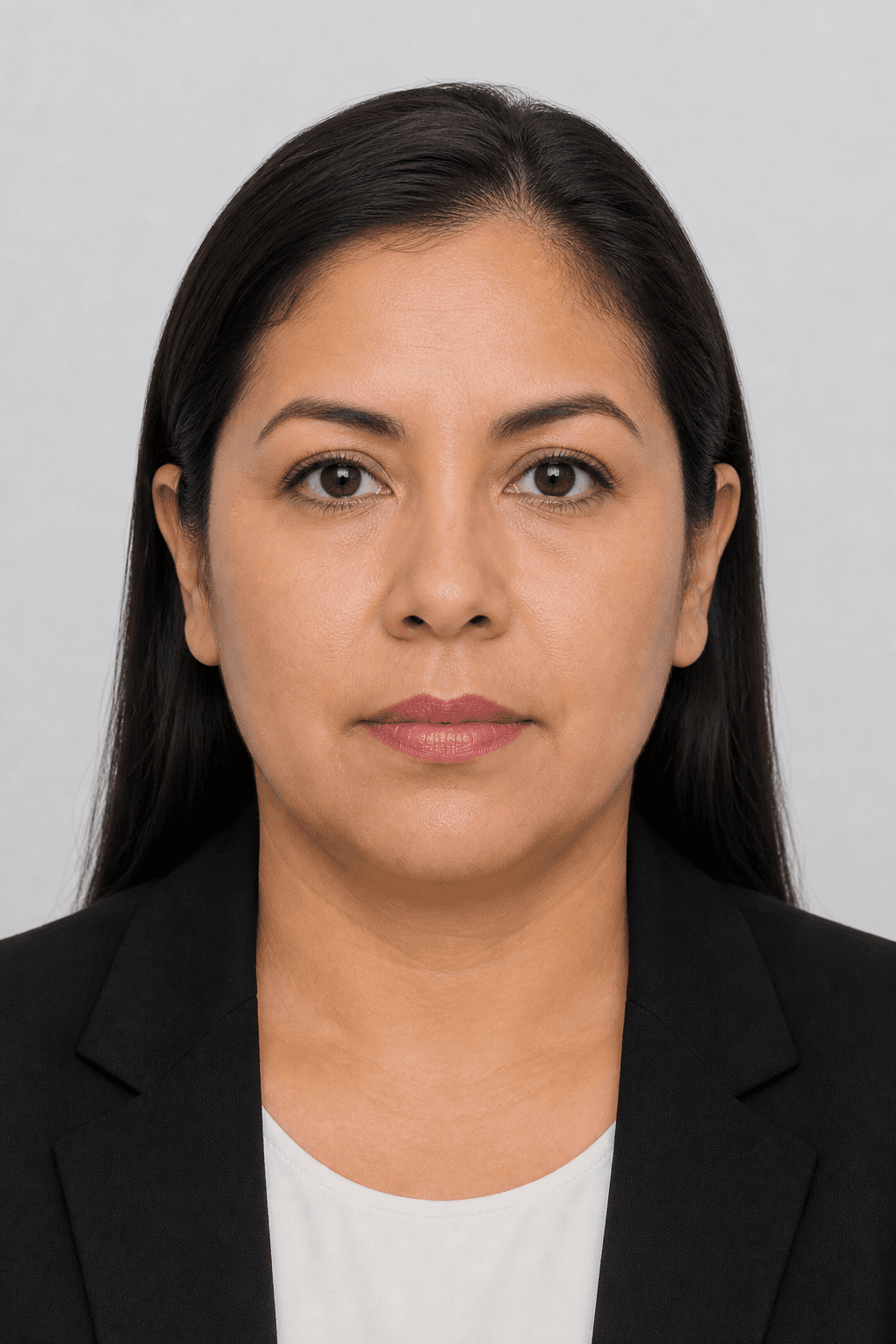
Illustrative samples — not real applicants.
Capture tips before you upload
- Use the rear camera when possible for sharper detail
- Stand 1–2 metres from a plain wall with even daylight or front light
- Hold the phone at eye level — no tilt, no wide-angle close-up
- Neutral expression, both eyes open, no filters
- Leave space above the head so cropping can place the head band correctly
Then finish in PicsForm
Upload the portrait, select your country and document, and run compliance.
More details
Upload the portrait, select your country and document, and run compliance. Fix any hard failures before downloading the clean file for your application.
Frequently asked questions
Are selfies allowed?
Arm’s-length selfies often fail eye-line and distortion checks. A friend holding the phone, or a rear-camera shot against a wall, works better.
PicsForm matches photos to published requirements. This is not legal or immigration advice and does not guarantee application approval. Always confirm current rules on the official portal.