Online passport photo
Make a passport photo online
Skip the studio visit.
Read more
Skip the studio visit. PicsForm turns a clear phone or camera portrait into a rule-checked passport photo for dozens of countries — with hard compliance gating before you pay.
Example compliant crops
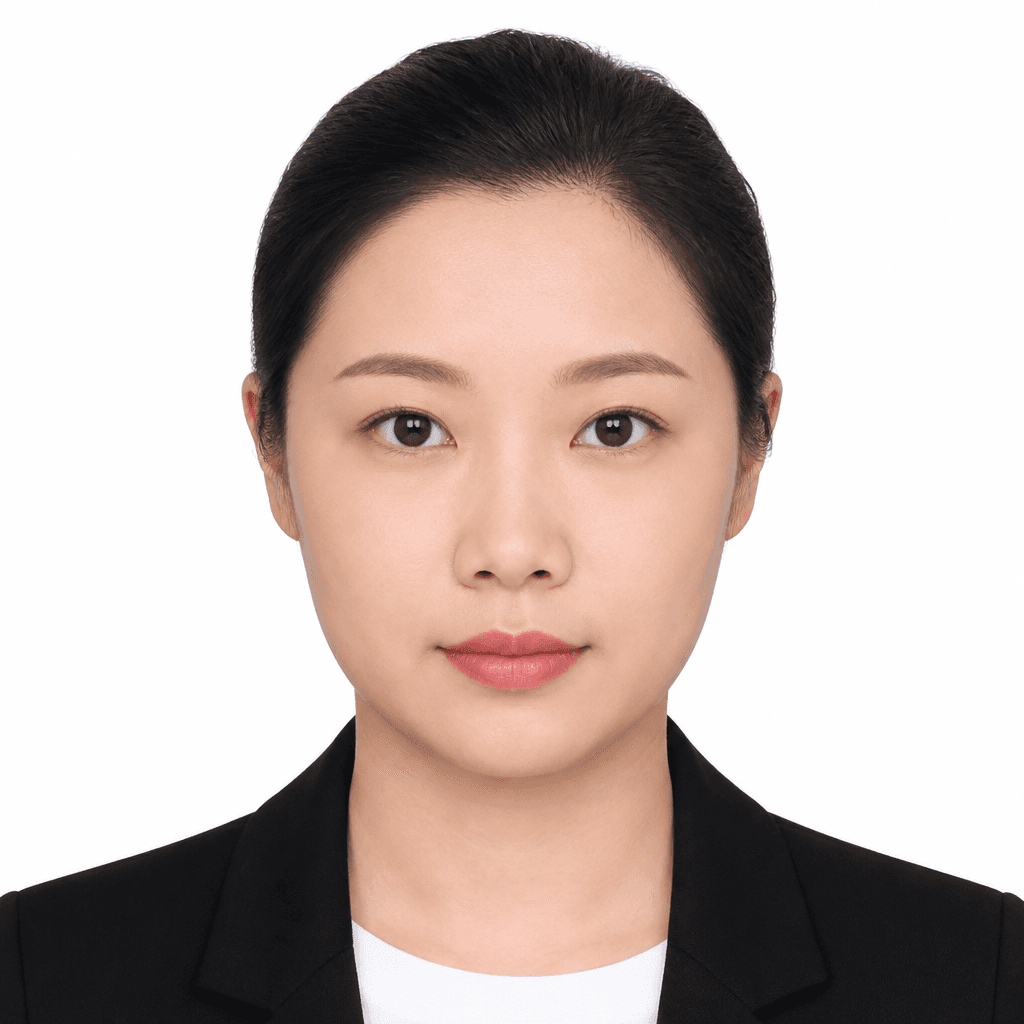


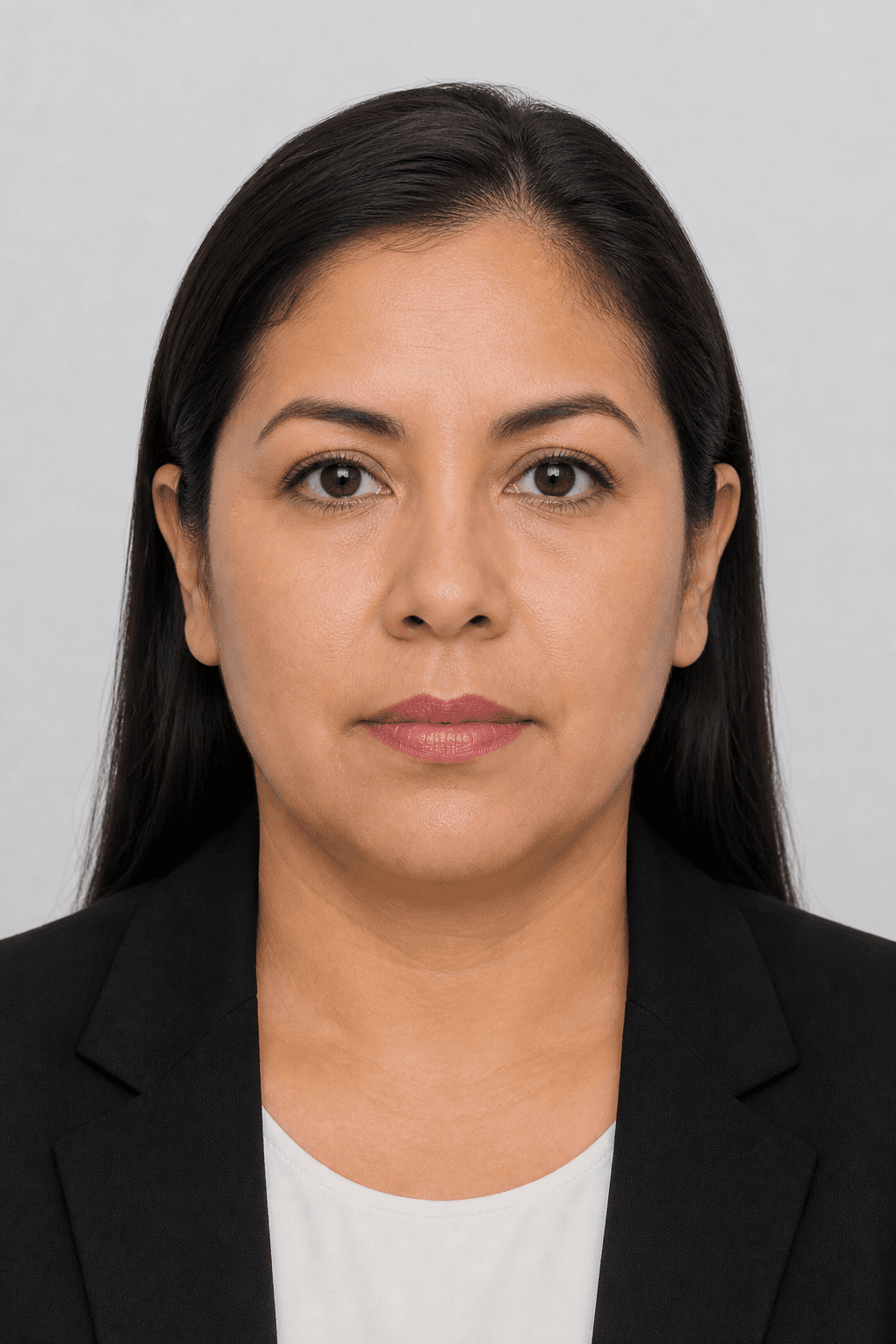
Illustrative samples — not real applicants.
Why people search for a passport photo online
Most embassies and passport portals now accept a JPEG upload.
More details
Most embassies and passport portals now accept a JPEG upload. An online passport photo tool should do more than crop a square — it must enforce head height, eye line, background colour, and expression policy for the document you picked.
PicsForm maps each document to validated millimetre and pixel rules, then blocks checkout when a hard rule fails.
What you get
- Country-specific size (for example 2×2 in / 51×51 mm or 35×45 mm)
- Background replacement to white or light grey as required
- Face Integrity — we do not beauty-filter or reshape your face
- Digital download; optional print sheets on Print Ready plans
Frequently asked questions
Is an online passport photo accepted?
Most digital applications accept a compliant JPEG. Always confirm the portal’s current upload rules and file-size limits.
Do I need a studio background?
Often a plain wall is enough. Some documents (including US passport, US visa, and Green Card in 2026) require an original photo with no digital backdrop — retake against a real light wall. See /us-passport-photo-ai-rules-2026.
PicsForm matches photos to published requirements. This is not legal or immigration advice and does not guarantee application approval. Always confirm current rules on the official portal.