Photo tips
How to take a photo that gets accepted
Phone at eye level, soft front light, plain wall.
Read more
Phone at eye level, soft front light, plain wall. Markers below show what reviewers — and our checks — look for. Create also shows a live allowed / not-allowed list for your document.
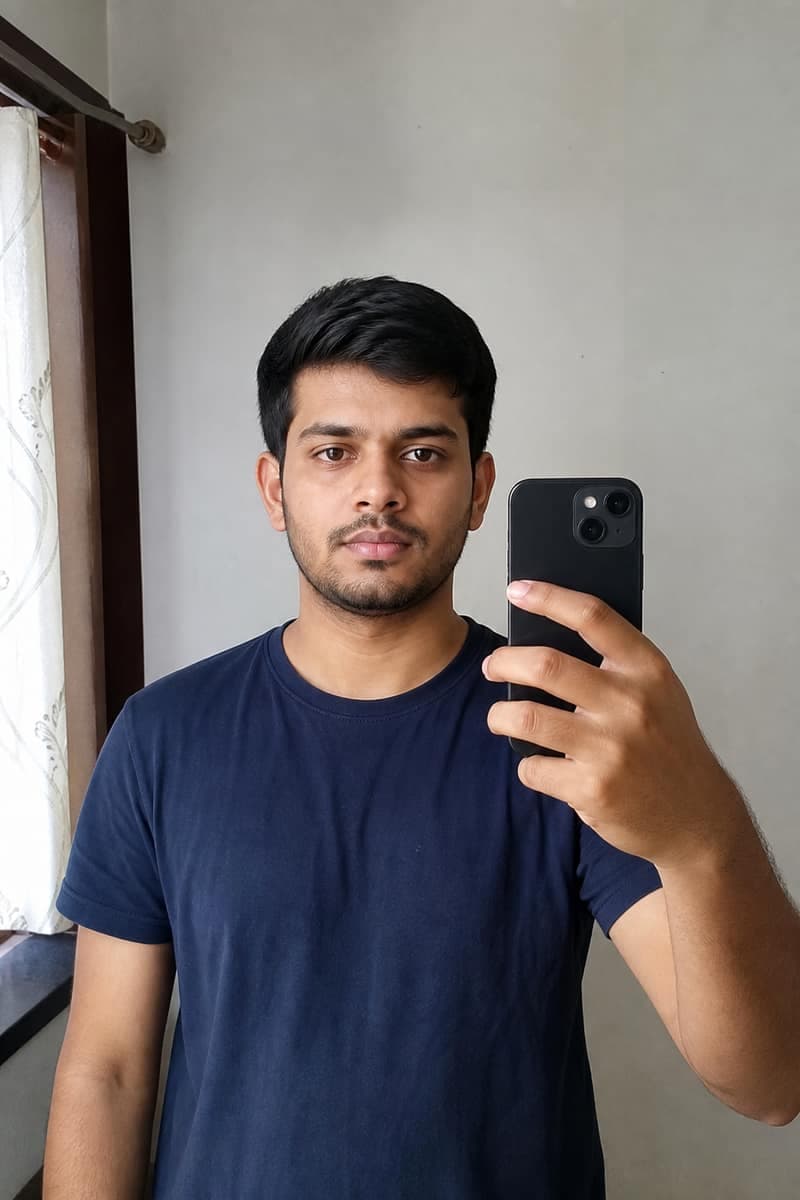
At home setup
Phone at eye level, plain wall, window light
No studio needed. Look into the lens (not the preview), keep your head upright — then upload in Create.
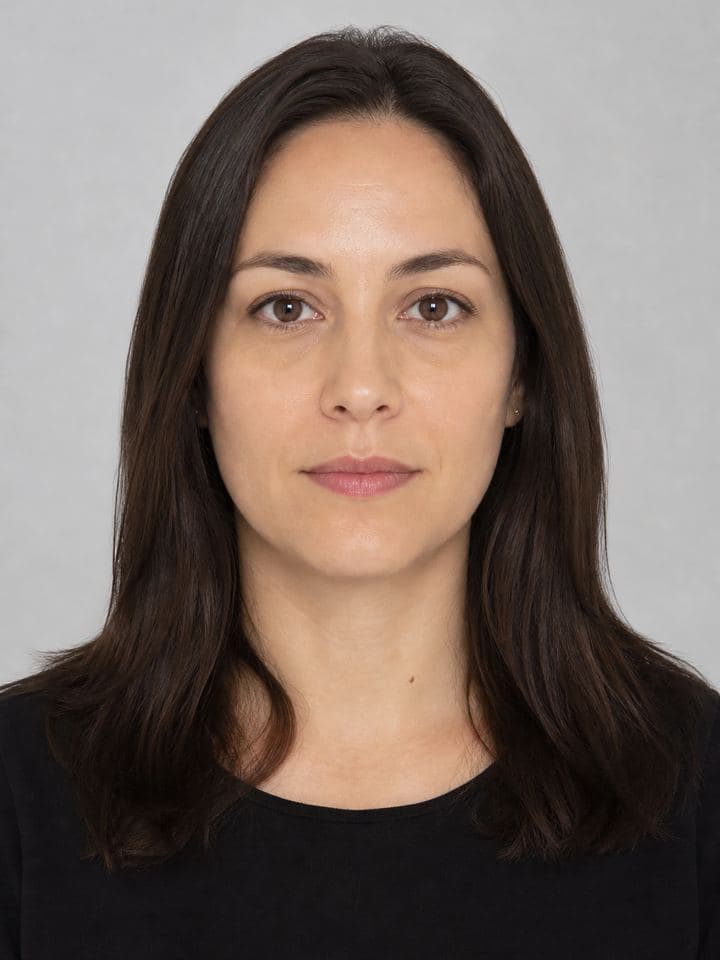
Step 1
Face the camera square-on
Hold the phone at eye level. Shoulders parallel to the wall. Chin neither tucked nor raised.
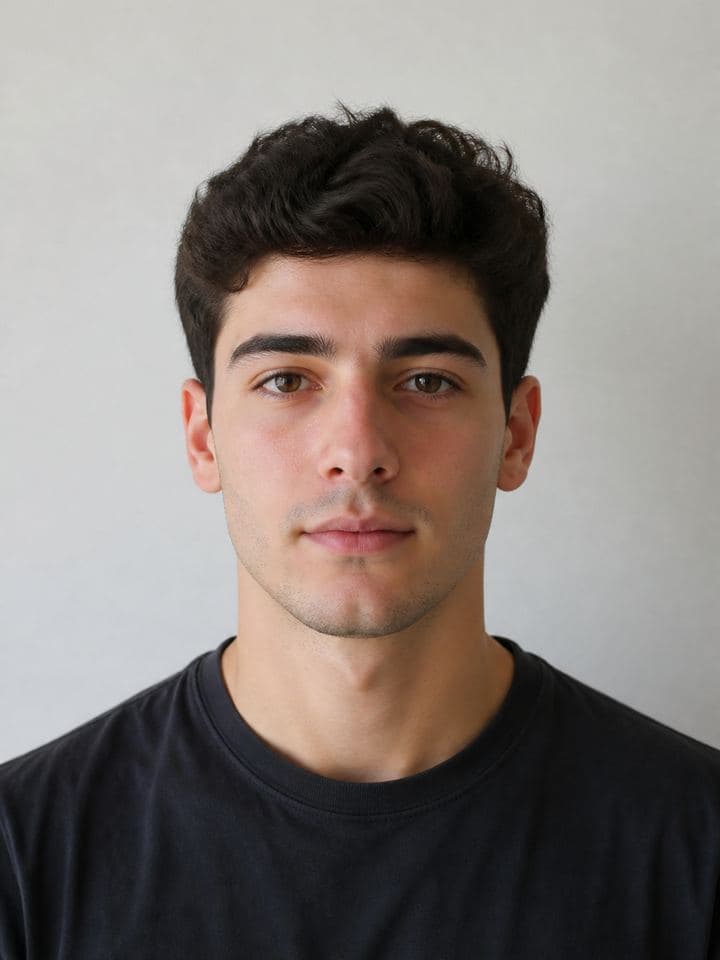
Step 2
Use soft front light
Stand near a window in daylight. Turn off strong overhead lights that create shadows under the eyes.
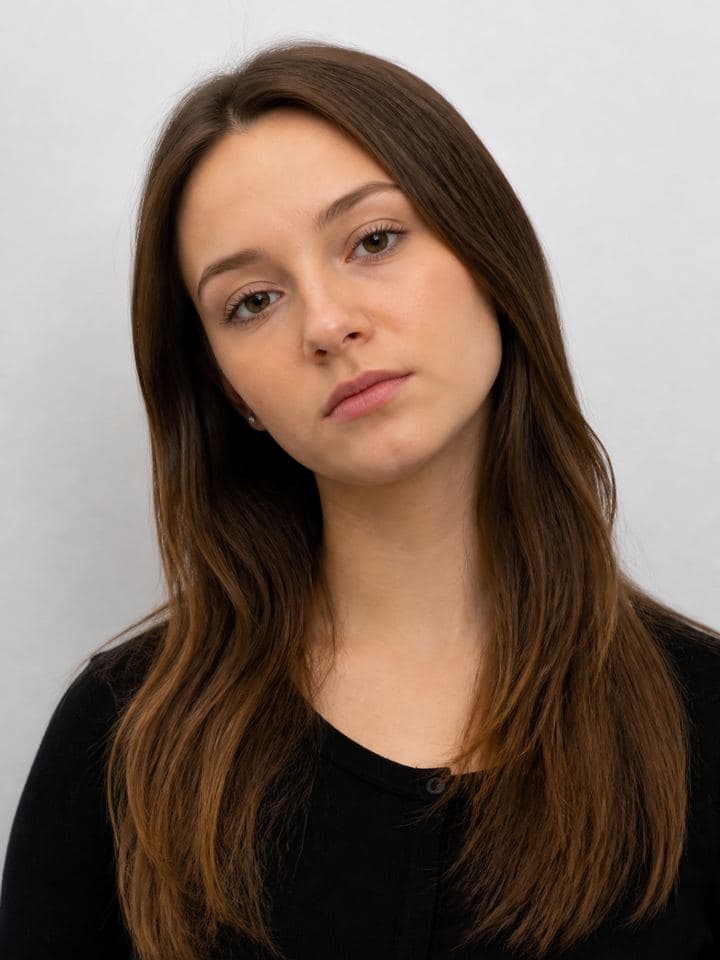
Step 3
Avoid tilt and filters
A small head tilt fails biometric eye-line rules. Beauty apps that reshape your face get rejected — and we never apply them.
Do
- Look straight at the camera with both eyes open
- Use soft, even light from the front (a window works well)
- Keep a neutral expression — mouth closed unless the document allows a smile
- Remove glasses if your document forbids them
- Show your full head including hair and chin
Don't
- No landscapes, pets, memes, or screenshots without a clear face
- No beauty filters or apps that change your facial features
- No hats or sunglasses (follow country rules for religious coverings)
- No tilted head or looking away from the camera
- No busy backgrounds or other people in the frame
Tip packs
Linked from Retake coach when a check fails. Physical retakes only — we never promise AI will invent a compliant face.
Glasses & eyewear
Most passport and visa catalogs require glasses off.
- Remove glasses unless your document allows a documented medical exception
- Watch for glare on lenses — even clear frames can fail automated checks
- Keep both eyes open and fully visible after removing eyewear
Hats & religious headwear
Fashion hats are almost always rejected; religious covering rules vary.
- Remove caps, fashion hats, and headphones
- Religious coverings: full face from chin to forehead must stay visible
- No shadows across the face from the covering edge
Babies & young children
Child photos fail most often on eyes closed, support hands, or busy backgrounds.
- Lay the baby on a plain light sheet and shoot from above (never in a car seat with patterned fabric)
- Wait for both eyes open — no toys or hands in frame
- Neutral mouth; soft window light beats flash
Lighting & background
Even front light and a plain wall beat any filter.
- Face a window; avoid strong overhead shadows under the eyes
- Stand 30–50 cm from a plain wall matching the required colour
- For US passport / DS-160 / Green Card: use a real wall — no digital backdrop
US passport / visa / Green Card: 2026 original-only rules.
Head size & distance
Most size failures come from standing too far or cropping too tight.
- Include head and upper shoulders with a little space above the hair
- Move closer if the face looks small in the preview oval
- Keep the camera at eye level — chin neither tucked nor tilted up
Expression & pose
Neutral expression and a straight-on pose beat a flattering selfie angle.
- Close mouth naturally; no smile unless the document allows it
- Look straight at the lens; both ears visible when the rules require it
- Remove hair from across the eyes and eyebrows
Ready? Upload next.
Pick your document on Create, then upload — or run a free compliance check first.