Free check before pay
Ready / Review / Retake against published rules. Hard fails block checkout — we do not sell hope.
Open free checker →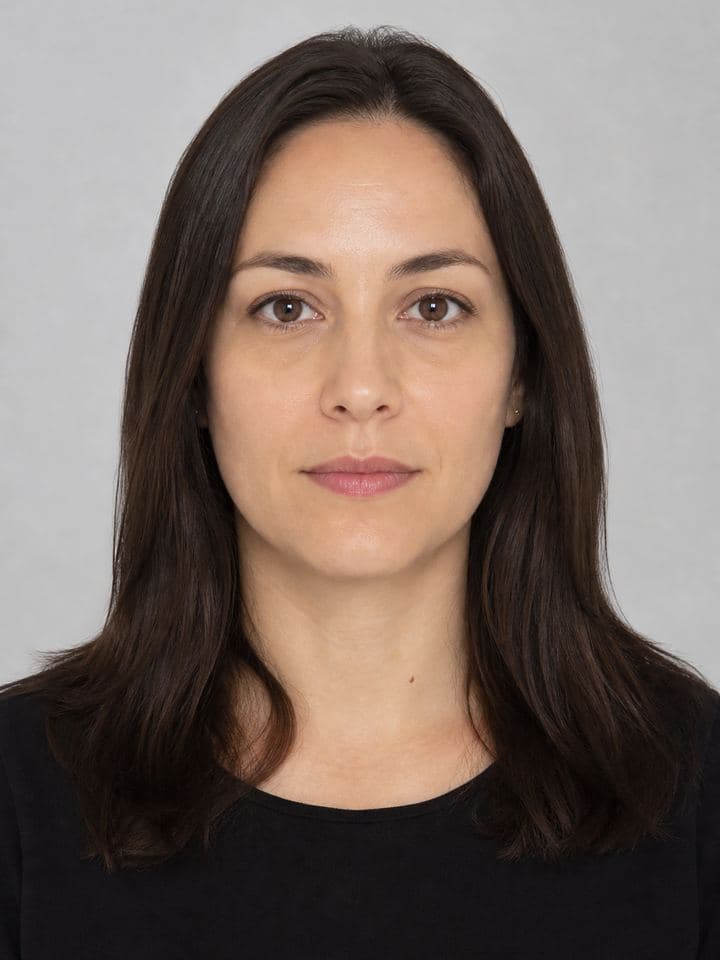
PicsForm · Passport & visa photos from your phone
Upload a portrait. We size and check it against official US, UK, India, Schengen, and 40+ document rules. No beauty filters. Free check before you pay. Not immigration advice.
Live compliance
Pass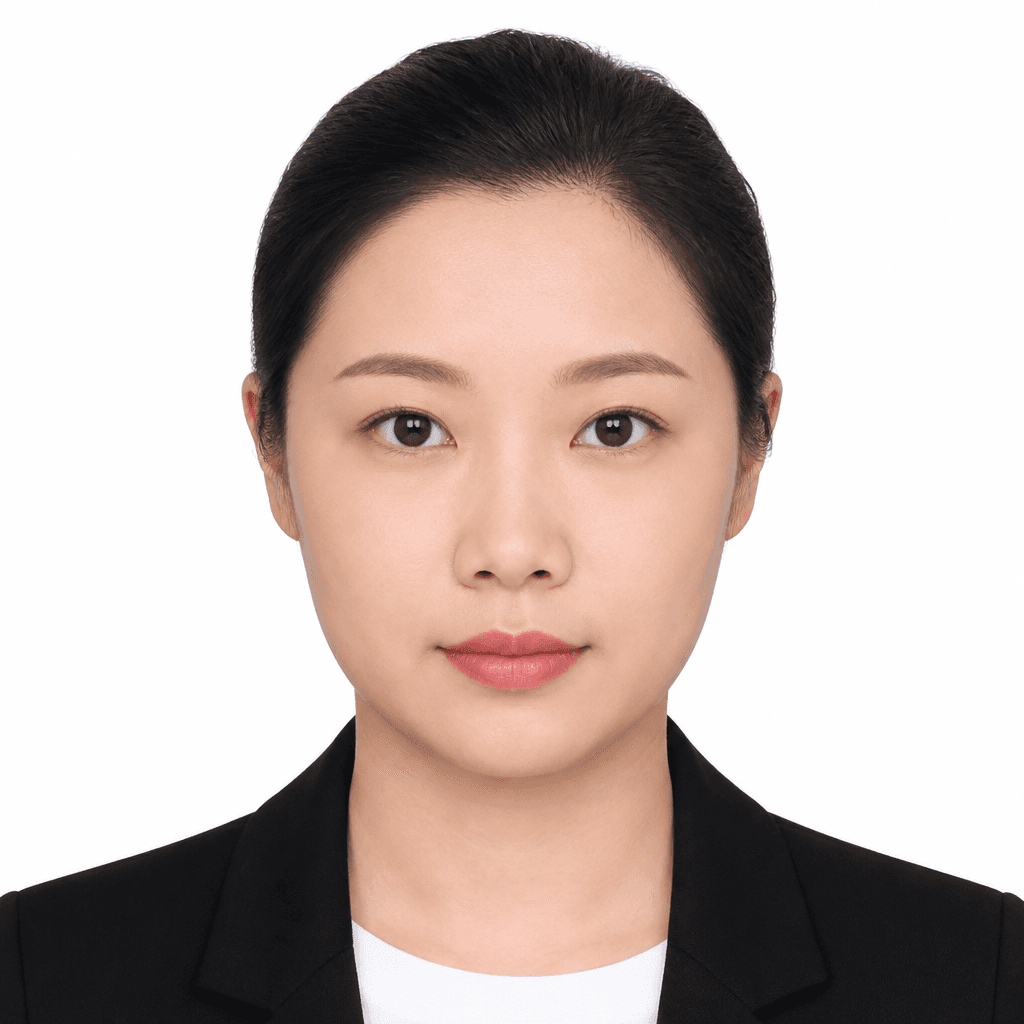
Head height 72% · Eye line OK
Background match · Neutral expression

Passport
2×2 in · 35×45 mm
Photo processing + check
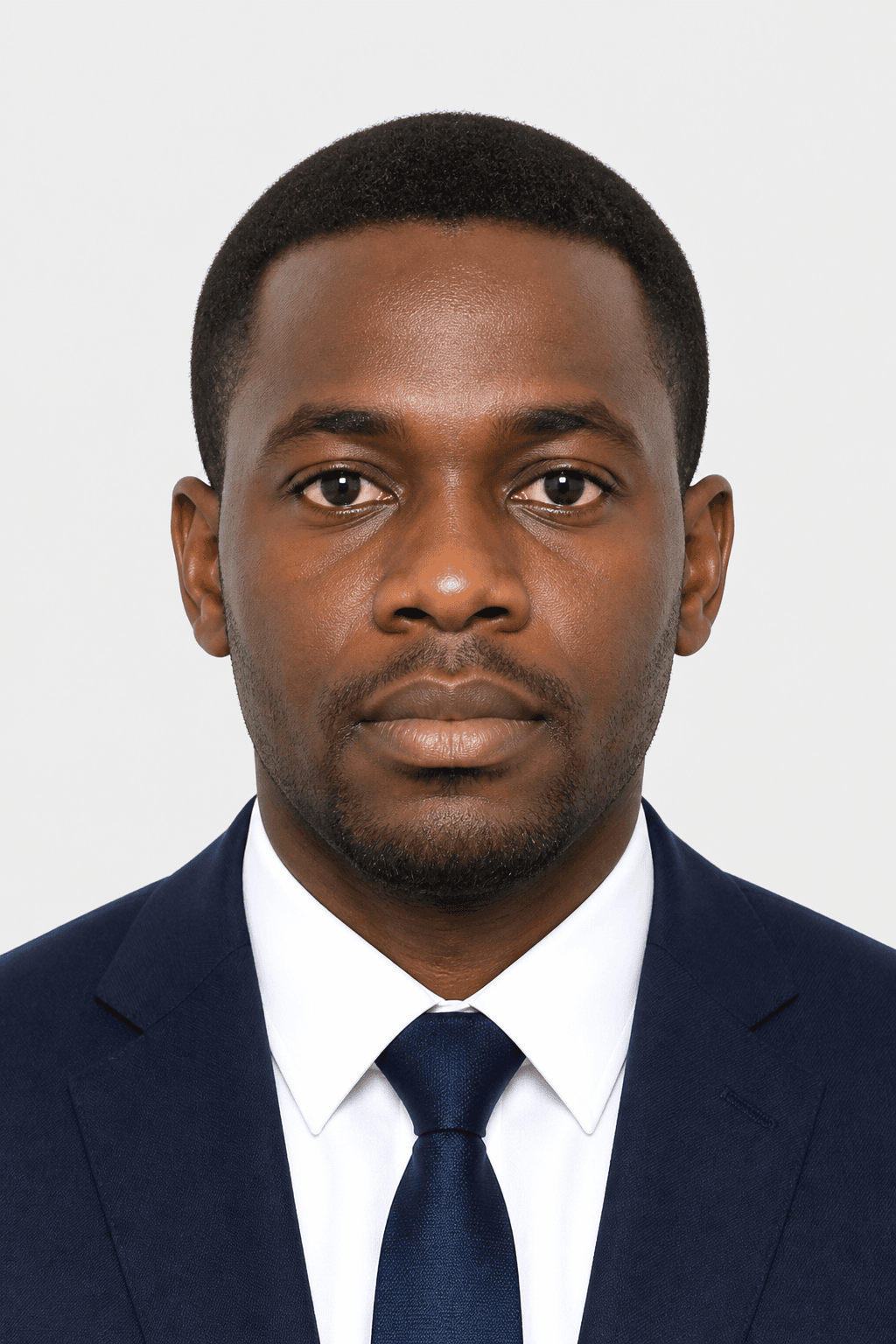
Visa
DS-160 · Schengen
Photo processing + check
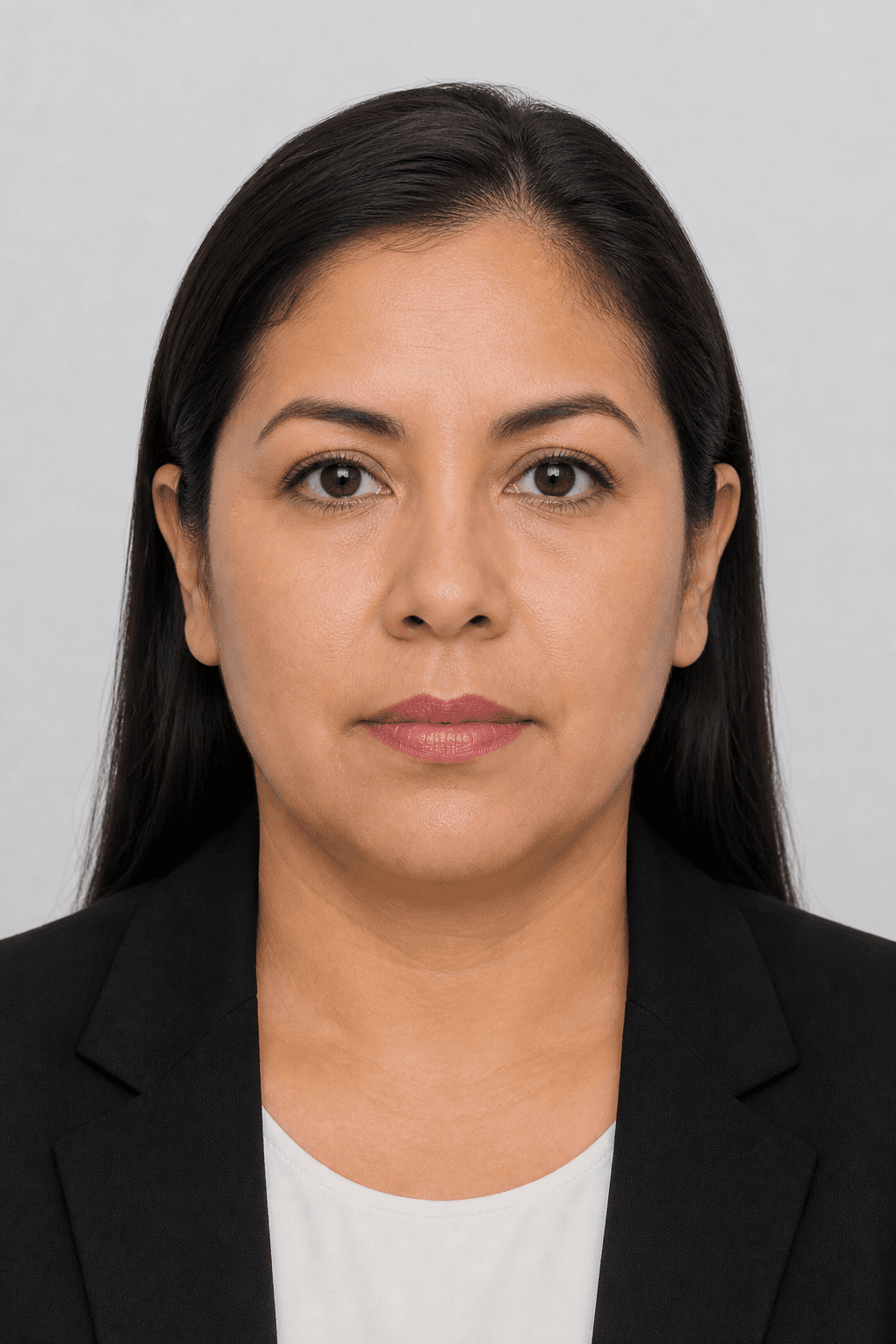
Other IDs
Green card · Residence
Photo processing + check
Sample portraits for illustration · not real applicants
Behind the scenes we measure size, head height, eye line, and background against the document you picked. You see whether this photo is likely to cause a problem — not which model processed it.
Every check is tied to the receiving country’s published rules. Out-of-range geometry blocks download until you retake or reframe.
When a computer cannot be sure — expression, jewellery, edge cases — we say so. Follow our Review guidance to know what to retake.
Loading free compliance check…
Ready / Review / Retake against published rules. Hard fails block checkout — we do not sell hope.
Open free checker →$1.50 digital · $2.49 print ready. No hidden timers.
See plans →No fake AI backdrop for US passport / DS-160 when rules require your original photo.
Read 2026 rules →60-second quiz on rejection traps — then free-check your real portrait. Share your score.
Take the challenge →60-second challenge
Four quick questions. No account needed — then run a free check on your real photo.
1. For a US passport photo in 2026, which background is safest?
2. If your face looks like a postage stamp in the square preview, you should…
3. Most passport / visa catalogs want you to…
4. On PicsForm, when should you pay?
Boxes are scaled relative to each other (not life-size on every screen). Official millimetres / inches still come from the selected document.
US Passport
2.00 in × 2.00 in · 600×600 px
Head band 50–69% of frame
Make this size →US Visa / DS-160
2.00 in × 2.00 in · 600×600 px
Head band 50–69% of frame
Make this size →UK Passport
35.0 mm × 45.0 mm · 413×531 px
Head band 64–76% of frame
Make this size →Indian Passport
35.0 mm × 45.0 mm · 413×531 px
Head band 70–80% of frame
Make this size →Schengen Visa
35.0 mm × 45.0 mm · 413×531 px
Head band 70–80% of frame
Make this size →Canadian Passport
50.0 mm × 70.0 mm · 591×827 px
Head band 44–51% of frame
Make this size →Millimetres, pixels, background, and the issuing-authority source — HTML pages Google and Bing can index. Create is where you make the file; these pages are the rules.
US Passport
51 × 51 mm · 600 × 600 px
US Visa / DS-160
51 × 51 mm · 600 × 600 px
UK Passport
35 × 45 mm · 413 × 531 px
Indian Passport
35 × 45 mm · 413 × 531 px
Canadian Passport
50 × 70 mm · 591 × 827 px
Schengen Visa
35 × 45 mm · 413 × 531 px
Full size chartAll countriesCompare US / UK / Canada / India / Schengen
The question is not whether AI edited the file. It is whether this photo will cause a problem with the application. Creator, Business, and API all answer that.
Applicants
Create a photo that matches your document’s official requirements. We check it so a wrong photo is less likely to delay your application.
Agencies & desks
A client dashboard for visa centres, travel desks, and photo agents — today’s photos, Ready / Review / Retake, and a download per client.
Developers
Document Rules API plus POST /photo/check. JavaScript and Python SDKs wrap Ready / Review / Retake JSON — not a promise that a visa will be approved.
Differentiation
Not “fast, easy, AI.” The moat is a requirements database, provenance, and validation — Create. Check. Verify. Submit.
US passport, Schengen visa, and Indian passport are different rules. PicsForm checks the application you selected — millimetres, pixels, head height, background.
Every spec shows the authority, last verified date, and source URL. We sell provenance, not a guess.
Ready / Review / Retake with a Smart Photo Compliance Report. When the computer cannot be sure, we say Review — we do not fake certainty.
Detect, guide, and validate first. Transform only what the document permits (typically crop, size, background). We do not beauty-filter or reshape your face.
When the computer cannot be sure, we show what failed and why — so you can retake or adjust, not guess.
Privacy mode at checkout (zero photo retention), one-click permanent deletion from the vault, and a public security page.
Most rejections come from pose, lighting, or head size — not from expensive cameras. Match these examples, then let PicsForm enforce the selected document’s numbers.
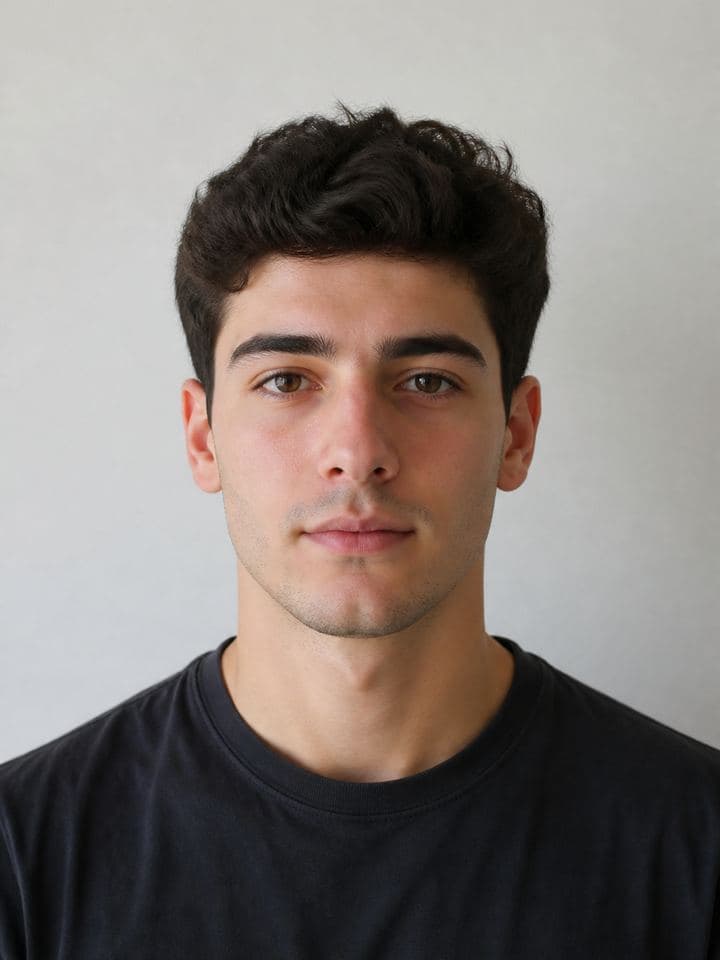
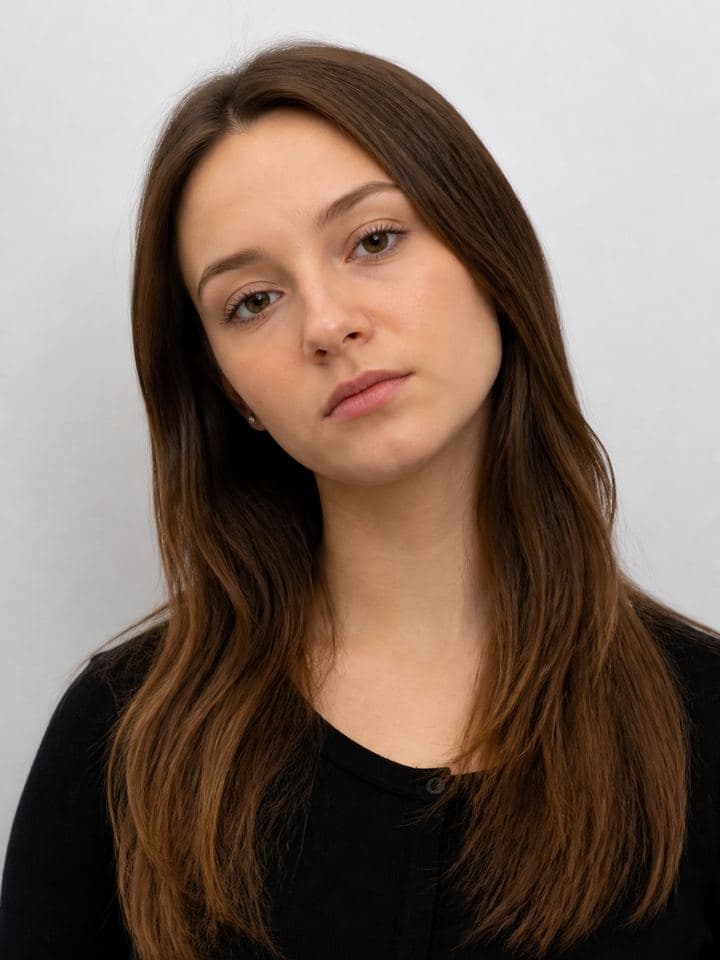
Three deliberate steps. No studio queue. Compliance stays visible the whole way.
Step 1
US passport is not UK visa is not a national ID. Selecting the purpose loads millimetre size, head band, eye line, background colour, and expression rules automatically.
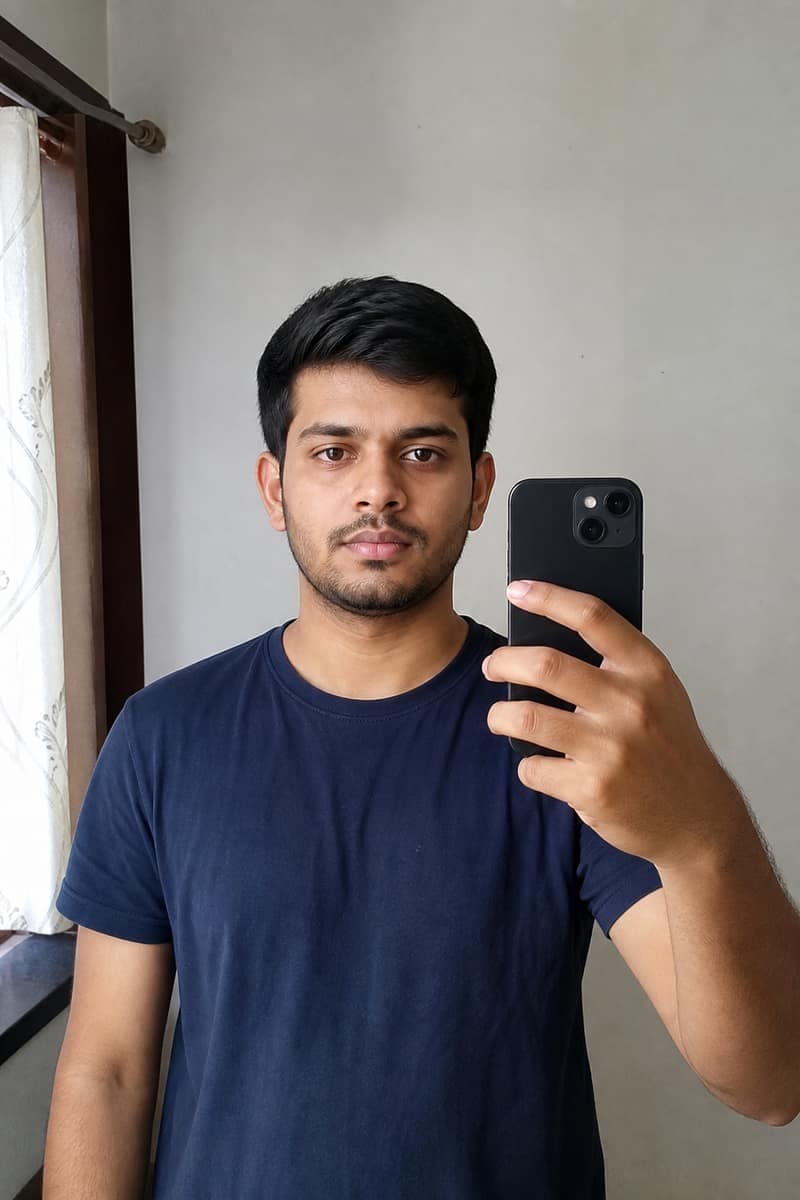
Step 2
Non-portraits are rejected immediately. Valid faces are scored against the selected ruleset. Permitted corrections (background, crop) run only when that ruleset allows them — with Face Integrity, never beauty filters.
Digital download
$1.50
Step 3
Digital from $1.50. Razorpay supports UPI, cards, and netbanking. Signed-in users store downloads in a vault only they can open.
The real risk
People do not pay for editing. They pay so a wrong photo does not delay a passport, visa, or OCI application. PicsForm sells that confidence: Ready, Review, or Retake — never a fake pass/fail.
Popular document pages
Live guides during scan
Head box · eye line · document rules
Your vault is account-scoped. Orders, downloads, and platform API keys belong only to the signed-in user who created them.
Guest checks still work for compliance preview. Saving to My photos and creating API keys require an OTP-verified account.
Server routes for orders and keys reject unauthenticated calls and filter every query by your user id — no shared galleries.
Registration sends a one-time code to your inbox so the vault is tied to an address you control.
A US passport photo is 2×2 inches (51×51 mm), typically 600×600 pixels at 300 DPI, on a plain white or off-white background. Head height should be about 50–69% of the frame. PicsForm checks those published rules before you download.
Yes. Use even front light, a plain background, camera at eye level, and include hair, ears if required, and upper shoulders. Upload the portrait to PicsForm to size and score it against the document you selected.
No. We do not reshape, smooth, or beauty-filter your face. We crop, size, and (where the document allows) replace the background. Some authorities, including current US passport guidance, restrict digitally altered photos — always confirm the latest official rule for your application.
No. Editing is behind the scenes. The product is confidence: pick the exact application, upload a portrait, and we check it against official requirements so a wrong photo is less likely to delay you.
We never reshape, smooth, or beauty-filter your face. Background and crop can change, and we may gently darken or lighten subject pixels for exposure — your native facial features stay the same.
Ready means the photo matches automated requirements. Review means there is no obvious failure, but something (for example expression) needs human judgement. Retake means a known issue — for example head size or background — that you should fix before submitting.
New document rules, product updates, and compliance tips — no spam. Unsubscribe any time from every email.
Ready when your application is
Run a compliance check in minutes. Sign in to keep accepted photos for renewals and reprints.