2026-08-04 · 8 min read · PicsForm Editorial
What to do when your passport photo is rejected
Common passport and visa photo rejection reasons and how to fix head size, background, expression, glasses, and file-size errors.
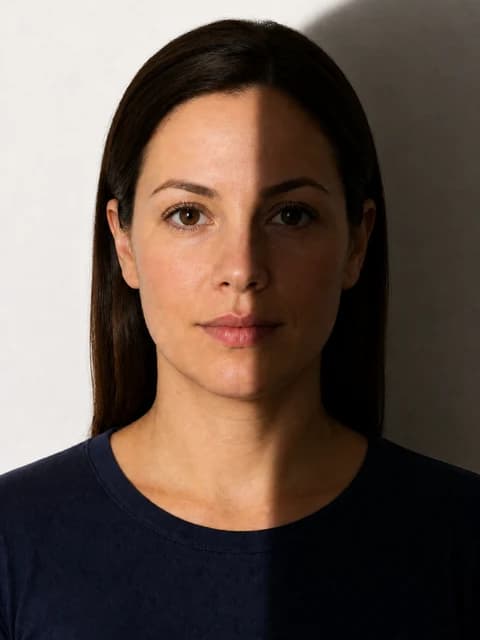
Read the rejection message carefully
Portals often cite a category — background, face too small, file too large — without explaining millimetres.
More details
Portals often cite a category — background, face too small, file too large — without explaining millimetres. Map the message to geometry (head height), appearance (glasses/smile), or file metadata.
Top rejection fixes
- Re-frame with larger head fraction if 'face too small'
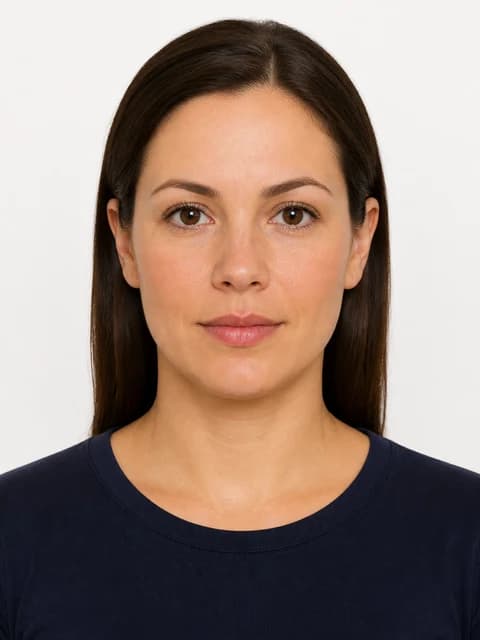
- Replace background to required white or light grey
- Re-export JPEG under KB limit without shrinking below required pixels
- Retake without glasses if policy prohibits them
- Use neutral expression — mouth closed
When to retake vs edit
Heavy shadow, motion blur, or filter artifacts require a new capture.
More details
Heavy shadow, motion blur, or filter artifacts require a new capture. Pure geometry and background issues can often be corrected in PicsForm without a new sitting.
Prevent a second rejection
Run /verify against the exact document before re-upload.
More details
Run /verify against the exact document before re-upload. Screenshot the pass report for your records.
Visual examples

Frequently asked questions
How long after rejection can I re-upload?
Most portals allow immediate re-upload once you have a corrected file. Appointment-based systems may require a new booking if prints were wrong.
How PicsForm fits your workflow
PicsForm matches photos to published requirements. This is not legal or immigration advice and does not guarantee application approval. Always confirm current rules on the official portal.