2026-08-11 · 6 min read · PicsForm Editorial
Passport photos for wheelchair users
Inclusive passport photo guidance: seated framing, headrests, caregiver angles, and compliance without standing requirements.
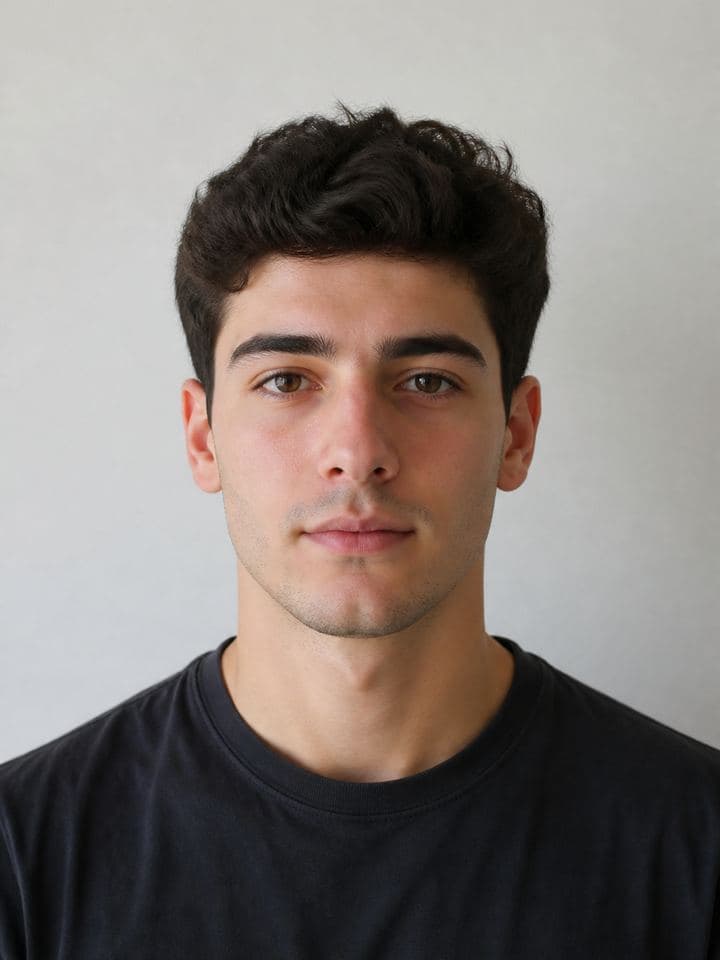
Standing is not required
ICAO and most national guides require only that the face and shoulders are visible with correct proportions — not that the applicant stands.
Headrests and chairs
Remove or cover patterned headrests that appear in frame.
More details
Remove or cover patterned headrests that appear in frame. A plain sheet behind the chair works if evenly lit.
Camera height
Align the lens with the applicant's eyes, not above.
More details
Align the lens with the applicant's eyes, not above. Downward angles distort chin-to-crown measurements used in automated checks.
Studio accommodations
Professional studios should offer adjustable seating and accessible entrances.
More details
Professional studios should offer adjustable seating and accessible entrances. PicsForm Business tools help studios batch-check seated captures.
How PicsForm fits your workflow
PicsForm matches photos to published requirements. This is not legal or immigration advice and does not guarantee application approval. Always confirm current rules on the official portal.