Aspect ratio
Passport photo aspect ratio explained
Aspect ratio is width divided by height.
Read more
Aspect ratio is width divided by height. US passport photos are 1:1 squares; most European biometric photos are 7:9 portraits (35÷45 ≈ 0.778). Using the wrong ratio stretches the face or fails automated validators even when total megapixels are high.
Example compliant crops



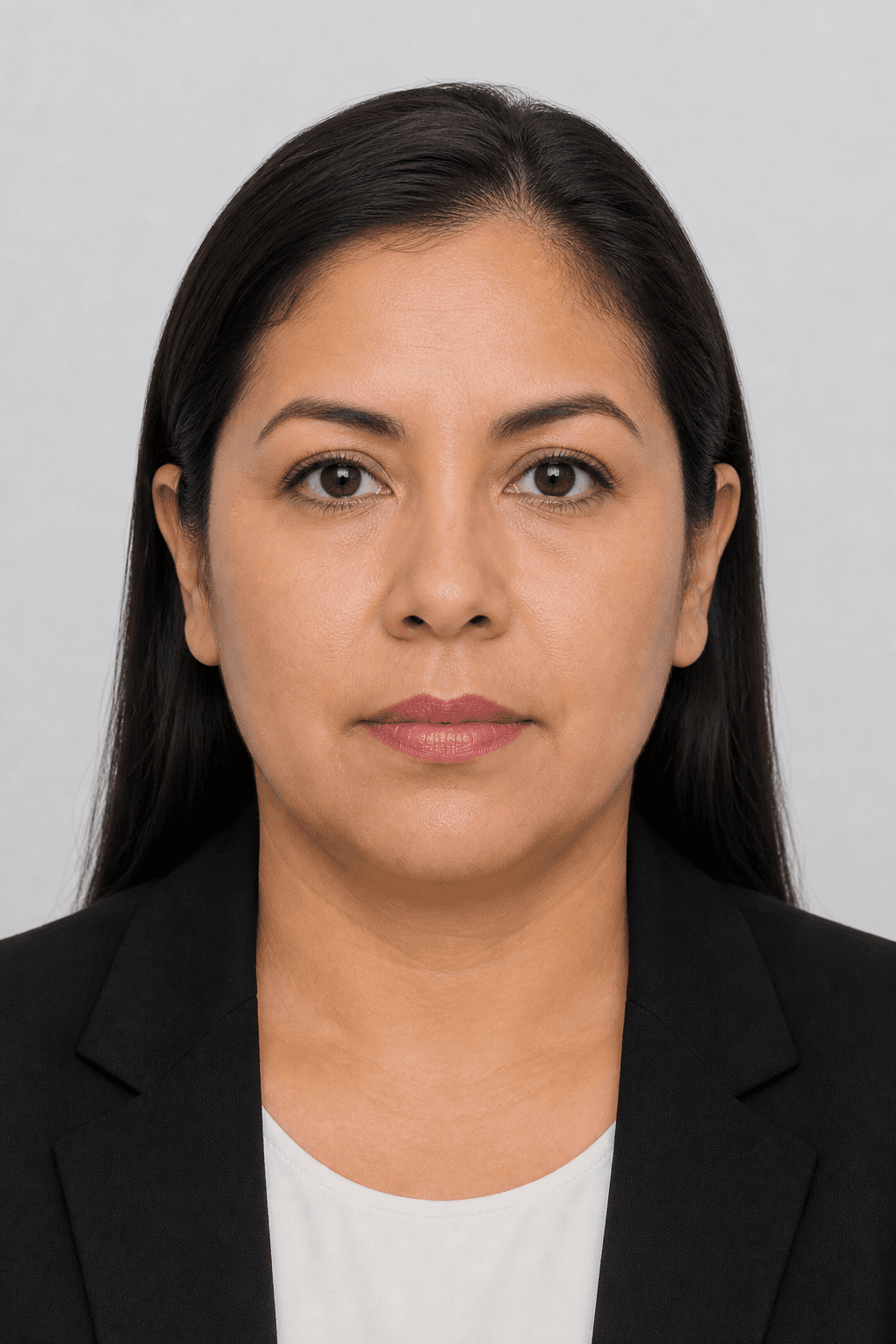
Illustrative samples — not real applicants.
Ratios in the PicsForm catalog
- 1:1 (square) — us-passport, us-visa, us-green-card (51×51 mm); in-visa (35×35 mm square e-Visa)
- 7:9 ≈ 0.778 (portrait) — gb-passport, eu-schengen-visa, in-passport, de-passport, and all standard 35×45 mm docs
- 3:4 = 0.75 — br-passport, es-passport (30×40 mm)
- 11:16 ≈ 0.6875 — cn-visa (33×48 mm)
- 5:7 ≈ 0.714 — ca-passport, br-visa (50×70 mm)
Why ratio mistakes happen
Social media crops (4:5, 16:9) and phone wallpaper squares are not passport ratios.
More details
Social media crops (4:5, 16:9) and phone wallpaper squares are not passport ratios. Free ‘crop to square’ tools destroy 35×45 geometry by removing chin or forehead.
Check ratio before upload
Select the document in PicsForm — we lock aspect ratio during export so DS-160 gets 1:1 and Schengen gets 7:9 without manual math.
Official specifications
Frequently asked questions
What aspect ratio is a US passport photo?
1:1 square — equal width and height (51×51 mm / 600×600 px).
What ratio is Schengen 35×45?
7:9 portrait — taller than wide.
Can I crop any photo to the right ratio?
Only if enough margin exists to place head height and eye line within bands — face-aware cropping matters.
Is 3:4 the same as 35×45?
No — 3:4 is 30×40 mm (Brazil/Spain). 35×45 is 7:9.
PicsForm matches published requirements; always confirm current rules on the official portal.