2026-08-25 · 7 min read · PicsForm Editorial
Choosing a passport photo app: compliance-first checklist
What to compare when picking a passport photo app: official rules, US original-only policy, hard-fail gating, identity safety, and transparent pricing.
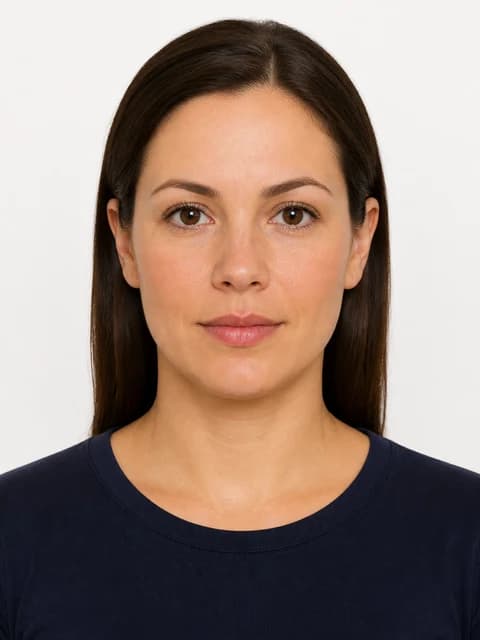
Price: check live checkout, not screenshots
Passport-photo apps change promotions often.
More details
Passport-photo apps change promotions often. PicsForm publishes Digital and Print Ready prices on /pricing. Always verify the checkout total on the day you buy — including any add-ons for print sheets or digital-only exports.
Compliance gating vs marketing guarantees
PicsForm scores your photo against document-specific published rules and can block a download when official geometry still fails — including on free…
More details
PicsForm scores your photo against document-specific published rules and can block a download when official geometry still fails — including on free or low-price paths. Marketing “acceptance guarantees” from any vendor are not the same as a government decision.
US 2026 original-only policy
For US passport, visa, and Green Card photos, PicsForm will not sell digital backdrop replacement or AI face edits.
More details
For US passport, visa, and Green Card photos, PicsForm will not sell digital backdrop replacement or AI face edits. If an app markets generative white backgrounds for US passports, read their fine print and the State Department photographs page before you submit.
What to look for
- Document picker tied to official specs — not just “passport”
- Ready / Review / Retake labels with hard-fail checkout blocks
- No beauty filters or face slimming
- Exact pixel dimensions and KB limits for your portal
- Free check before pay; no countdown timers
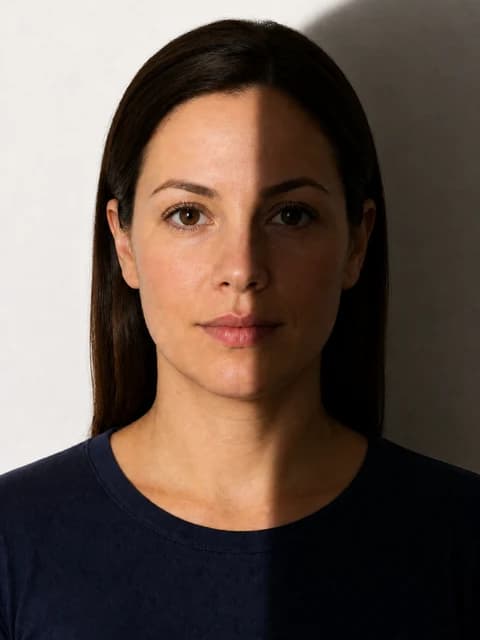
Visual examples
Frequently asked questions
Where is PicsForm's full buyer's guide?
See /vs/picsform-vs-other-platforms and /vs/best-passport-photo-app for feature rows, pricing notes, and FAQs.
Does PicsForm guarantee visa or passport acceptance?
No. We map published photo requirements. Authorities decide applications.
How PicsForm fits your workflow
PicsForm matches photos to published requirements. This is not legal or immigration advice and does not guarantee application approval. Always confirm current rules on the official portal.